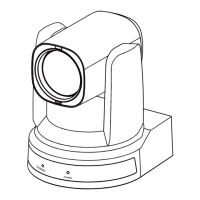
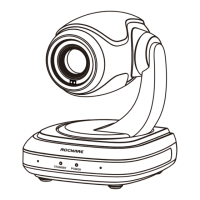
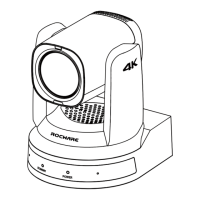
RC841U 4K Video Conference PTZ Camera User Manual
14
8) NTP Settings
Turn On/Off NTP time sync, Main time show and
Sub time show; select the Time Zone; set up the
Server address, Time interval and the Time Show
Position of the two streams.
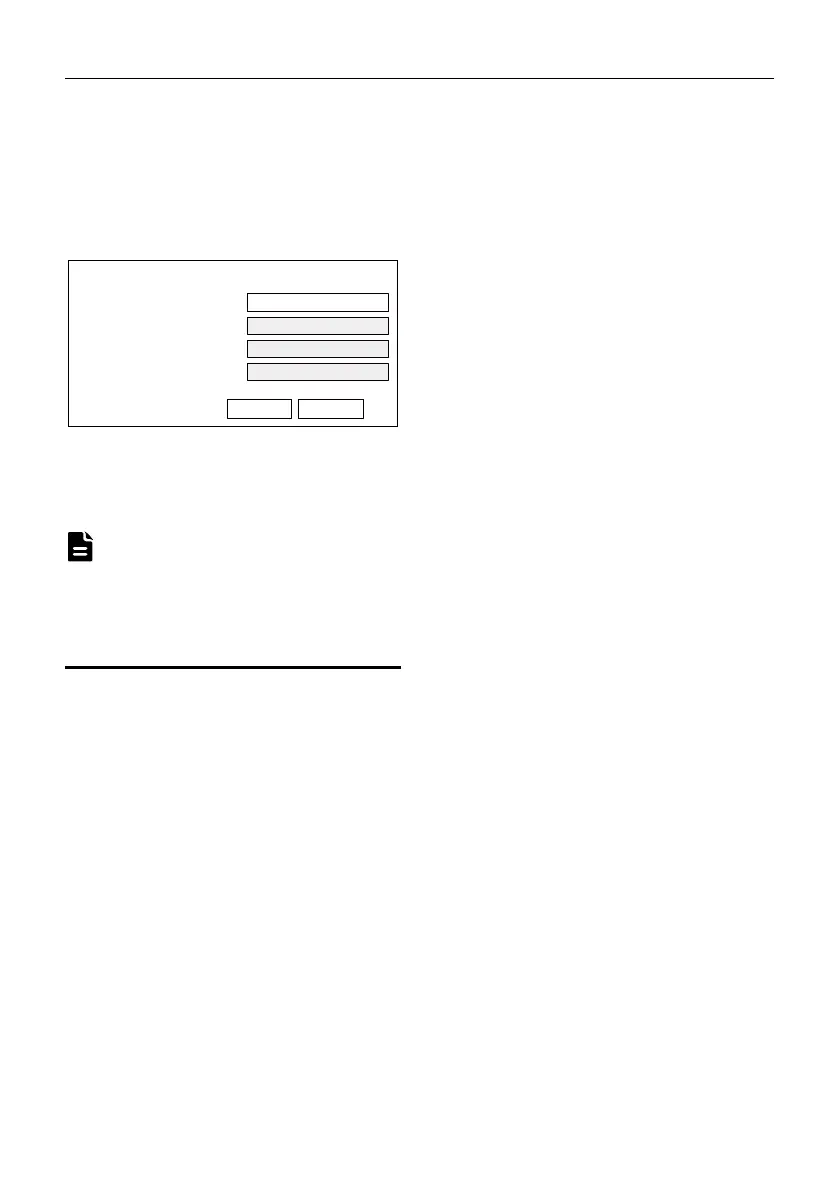
6.8 Device Information
6.9 Download the Upgrade Program
If you need the camera upgrade program, please
contact the manufacturer.
WEB interface and device information are subject
to change without notice.
7 Troubleshooting
Image
The monitor shows no image
1) Ensure that the camera power supply is
connected, the voltage is normal, and the
power indicator is always on.
2) Turn off the power switch to check whether
the camera is self-testing.
3) Ensure the cable of video platform and TV
that is in correct connection.
Image jitters after the camera is properly
connected
1) Ensure that the camera installation position
is stable.
2) Check that any vibrating machinery or object
near the camera.
There is no video image in browser
IE browser and IE core browser are not supported,
the camera video image will be displayed
normally when use Google, Firefox and Edge etc.
Unable to access through the browser
1) Using PC to access the network to test that
the network access can work properly to
eliminate the network fault caused by cable
and PC virus until the PC and camera can
ping each other.
2) Disconnect the network, connect camera
with PC separately and reset the IP address
of PC if necessary.
3) Ensure that the IP address, subnet mask and
gateway settings is correct.
4) Check that the MAC address is conflicts.
5) Check that the web port is modified, the
default setting is 80.
Forget the IP address or login password
The default IP address is: 192.168.100.88; the
default username and password are: admin.
Control
Remote control does not work
1) Check and replace with new batteries.
2) Ensure that the camera working mode is
correct.
3) Ensure that the address key of remote
control can match the camera.
Serial port cannot control
1) Ensure that the protocol, address and bit
rate of the camera are consistent.
2) Ensure that the control cable is properly
connected.
Information
PTZ Camera Pro
Device ID
I5.V
Device Type
v1.5.6
Webware Version
SOC v9.1.05 - ARM 7.3.5Z
Software Version
Submit Cancel
Note


 To Next Page