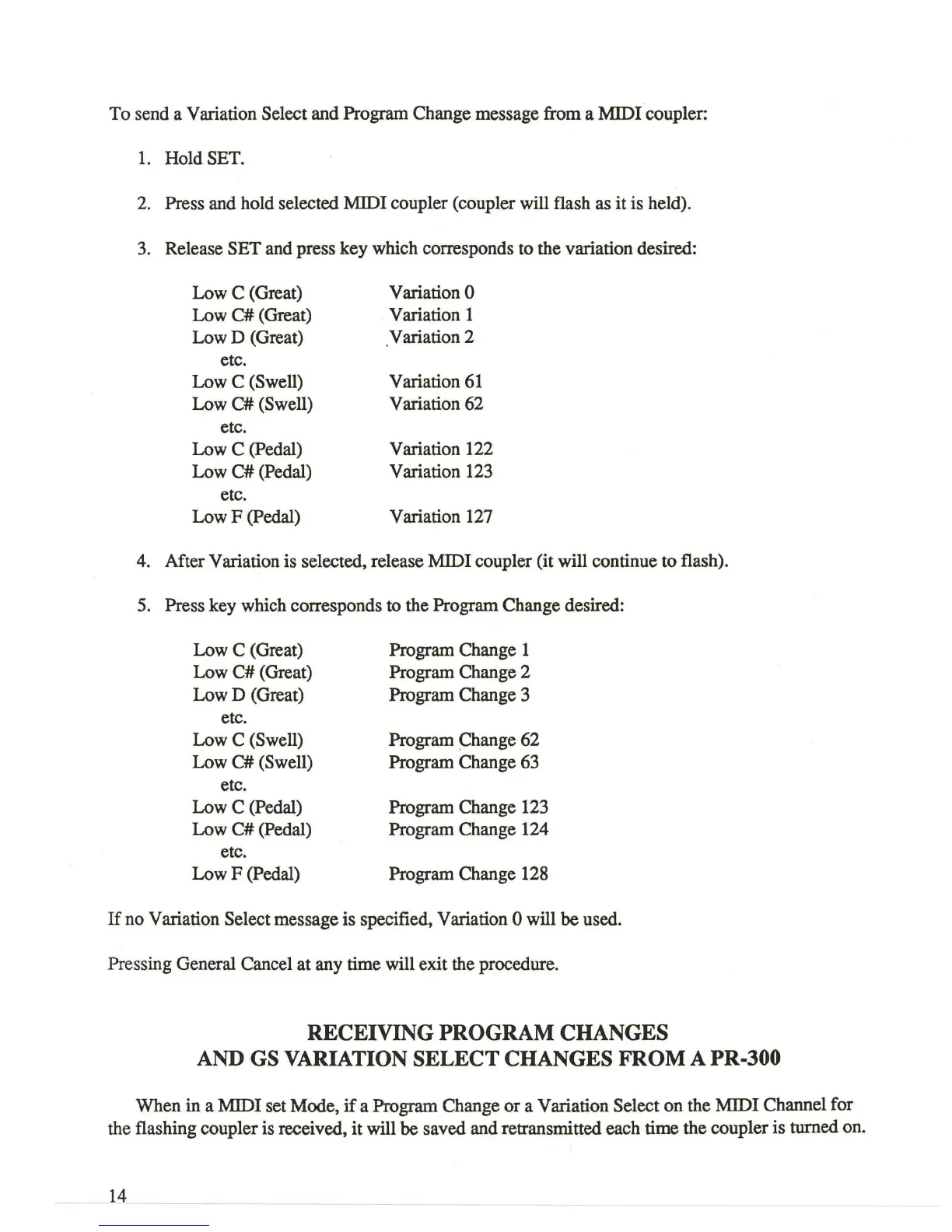
To send a Variation Select and Program Change message from a MIDI coupler:
1.
Hold SET.
2. Press and hold selected MIDI coupler (coupler will flash as it
is
held).
3. Release
SET and press key which corresponds to the variation desired:
Low C (Great)
Variation
0
Low
C#
(Great) Variation 1
Low D (Great)
Variation 2
etc.
Low C
(Swell)
Variation
61
Low
C#
(Swell) Variation 62
etc.
Low C (Pedal) Variation 122
Low
C#
(Pedal) Variation 123
etc.
Low F (Pedal) Variation 127
4. After Variation is selected, release MIDI coupler (it will continue to flash).
5. Press key which corresponds to the Program Change desired:
Low C (Great)
Low
C#
(Great)
Low D (Great)
etc.
Low C
(Swell)
Low
C#
(Swell)
etc.
Low C (Pedal)
Low
C#
(Pedal)
etc.
Low F (Pedal)
Program Change 1
Program Change 2
Program Change 3
Program
~hange
62
Program Change 63
Program Change 123
Program Change 124
Program Change 128
If
no Variation Select message is specified, Variation 0 will be used.
Pressing General Cancel at any time will exit the procedure.
RECEIVING PROGRAM CHANGES
AND
GS VARIATION SELECT CHANGES FROM A PR-300
When in a MIDI set Mode,
if
a Program Change
or
a Variation Select on the MIDI Channel for
the flashing coupler is received,
it
will be saved and retransmitted each time the coupler is turned on.
14







 To Next Page