How to set working parameters
Turn the loom main switch ON. The feeders are now supplied with power and
setup data from the loom Control (wait for about one minute).
The pulsar calibration cycle is then automatically performed. If no faults occur,
led, on the front side of the feeder, remains ON. In case of faults,
the loom Dialog panel display.
According to the woven article, adjust the functioning parameters of Super Elf X3
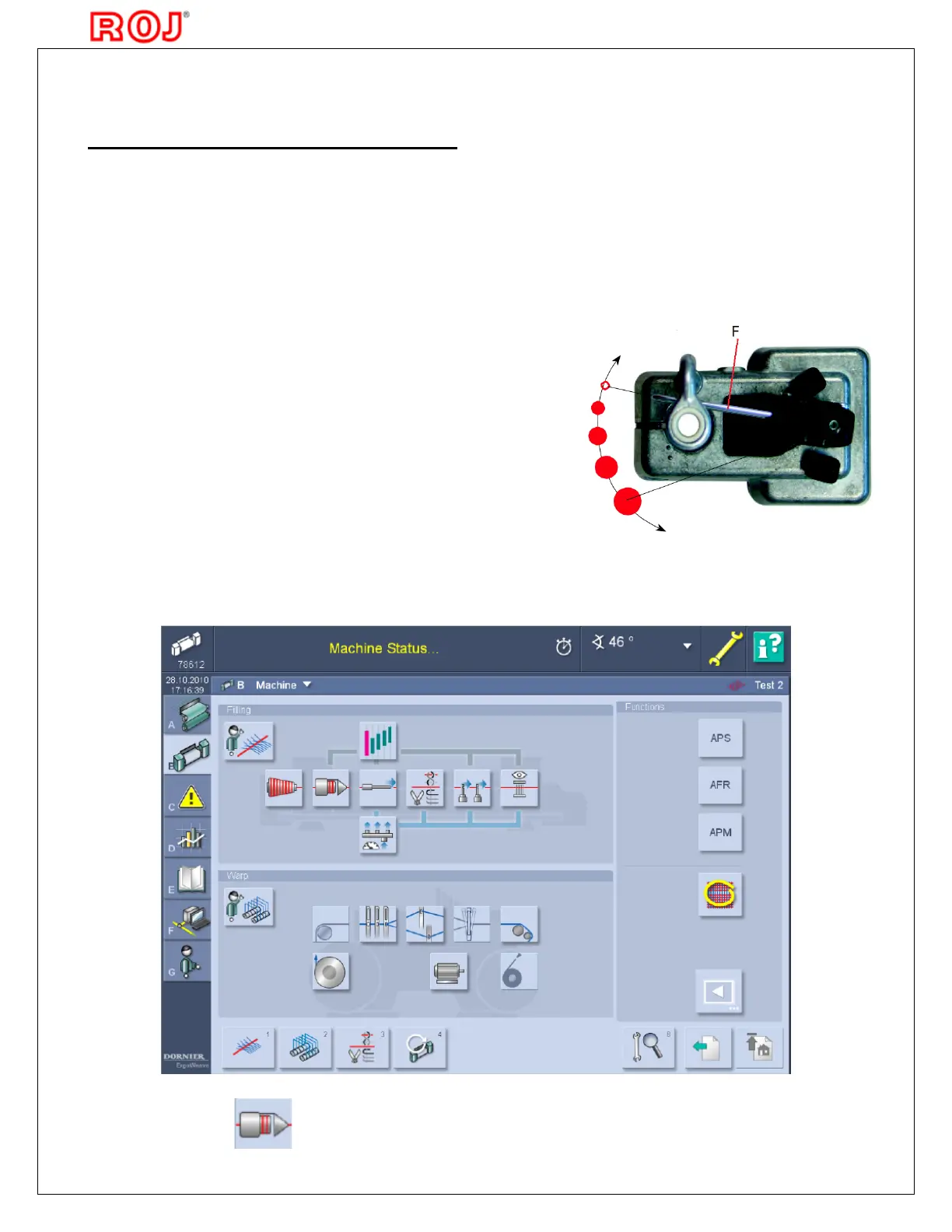
can be set on DORNIER loom Dialog panel (see picture
to enter the feeder pages.
Before switching the loom power ON, always
verify that the pulsar fork
older or any other machine part
The yarn can be kept firmly by loom controlled devices
as these are synchronized
with the Pulsar calibration
switch the loom OFF, make
sure that the Pulsar fork is



 To Next Page