Using a Microphone
Changing How Harmony Is Applied
(Harmony Type)
You can select the type of harmony that is applied.
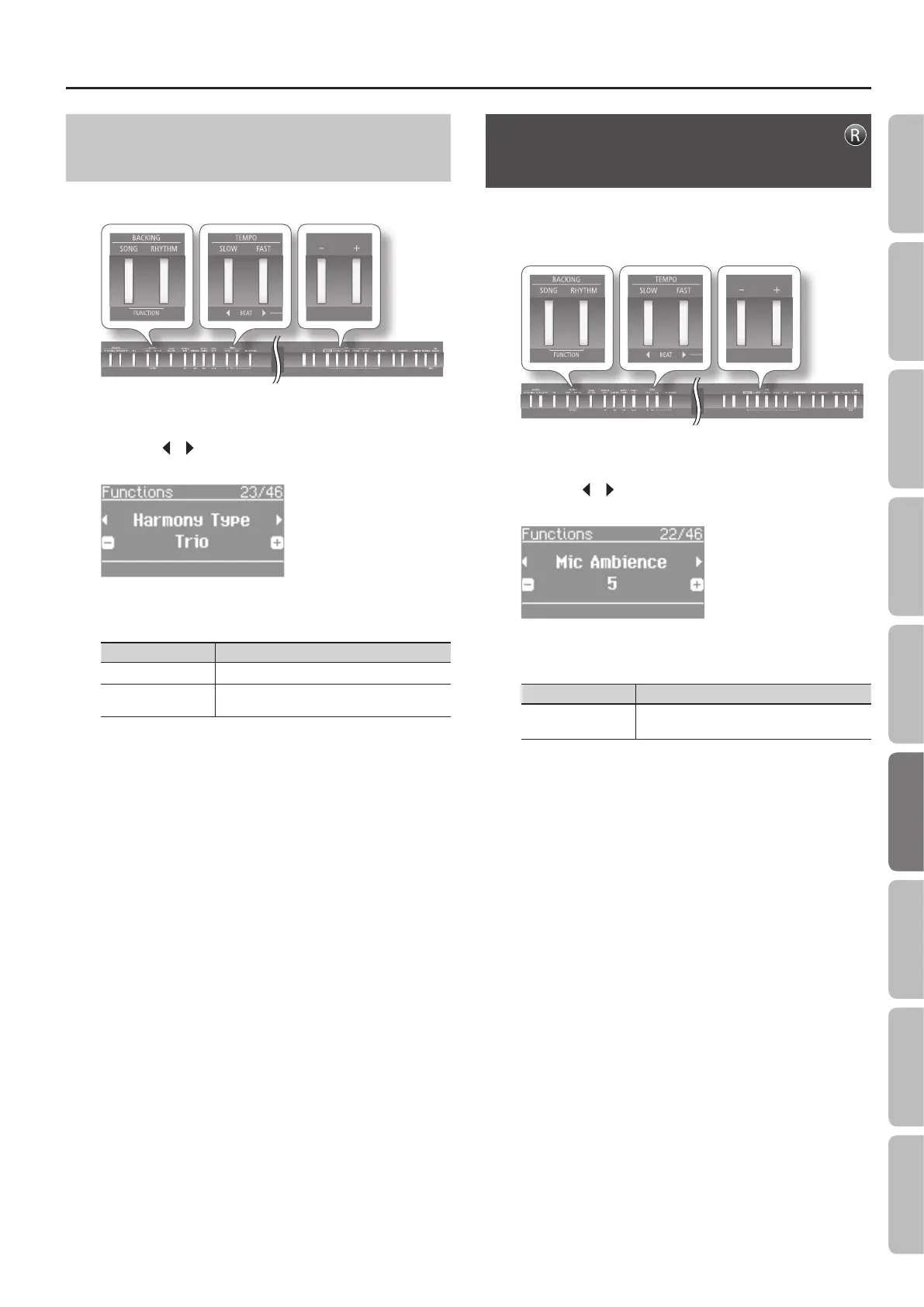
1. Press the [SONG] and [RHYTHM] buttons simultaneously.
2. Press the [ ] [ ] (SLOW/FAST) buttons to select “Harmony
Type.”
3. Use the [–] [+] buttons to adjust the value.
Value Explanation
Duet One voice of harmony will be added to your voice.
Trio
Two voices of harmony will be added to your
voice.
4. Press the [SONG] and [RHYTHM] buttons simultaneously
to nish.
Adding Reverberation to Your Voice
(Mic Ambience)
You can add reverberation (ambience) to your voice when using a
microphone.
Reverberation can improve the sound of your vocals.
1. Press the [SONG] and [RHYTHM] buttons simultaneously.
2. Press the [ ] [ ] (SLOW/FAST) buttons to select “Mic
Ambience.”
3. Use the [–] [+] buttons to adjust the value.
Value Explanation
O, 1–10 Higher values apply more ambience.
4. Press the [SONG] and [RHYTHM] buttons simultaneously
to nish.
35
Operation Guide Getting Ready Performing Recording Designing Sounds Microphone Registrations AppendixSettings



 To Next Page