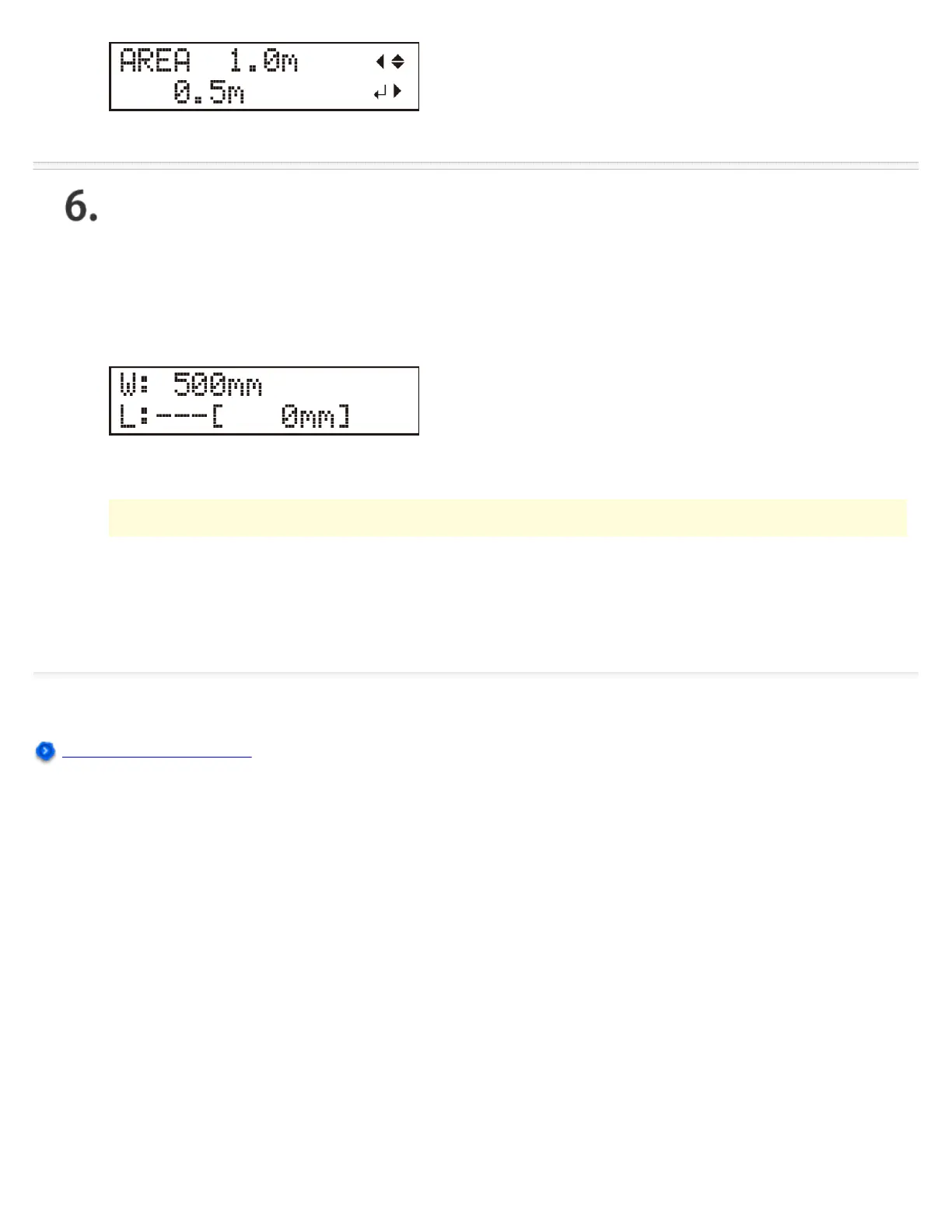
Press [ENTER].
The set length of the material moves out to the front, then is immediately pulled back and taken up
again.
Press the [MENU] key to return to the screen shown in the figure.
If the Material Comes Loose
If the material comes loose from the pinch rollers, press the [PAUSE] key to stop operation. Then
reload the material, starting over from the beginning.
Installing the Cutting Tool




 To Next Page