65
Chapter 3
Chapter 3 Song Playback and Practice Functions
Playing a Song
Now, let’s try practicing while playing back internal songs, commercial music files,
and songs saved to floppy disks.
You can use rewind or fast-forward to go to any desired measure, and play back
from that point.
fig.panel3-1
Selecting the song
When playing back songs on floppy disks, first insert the floppy disk in the disk
drive.
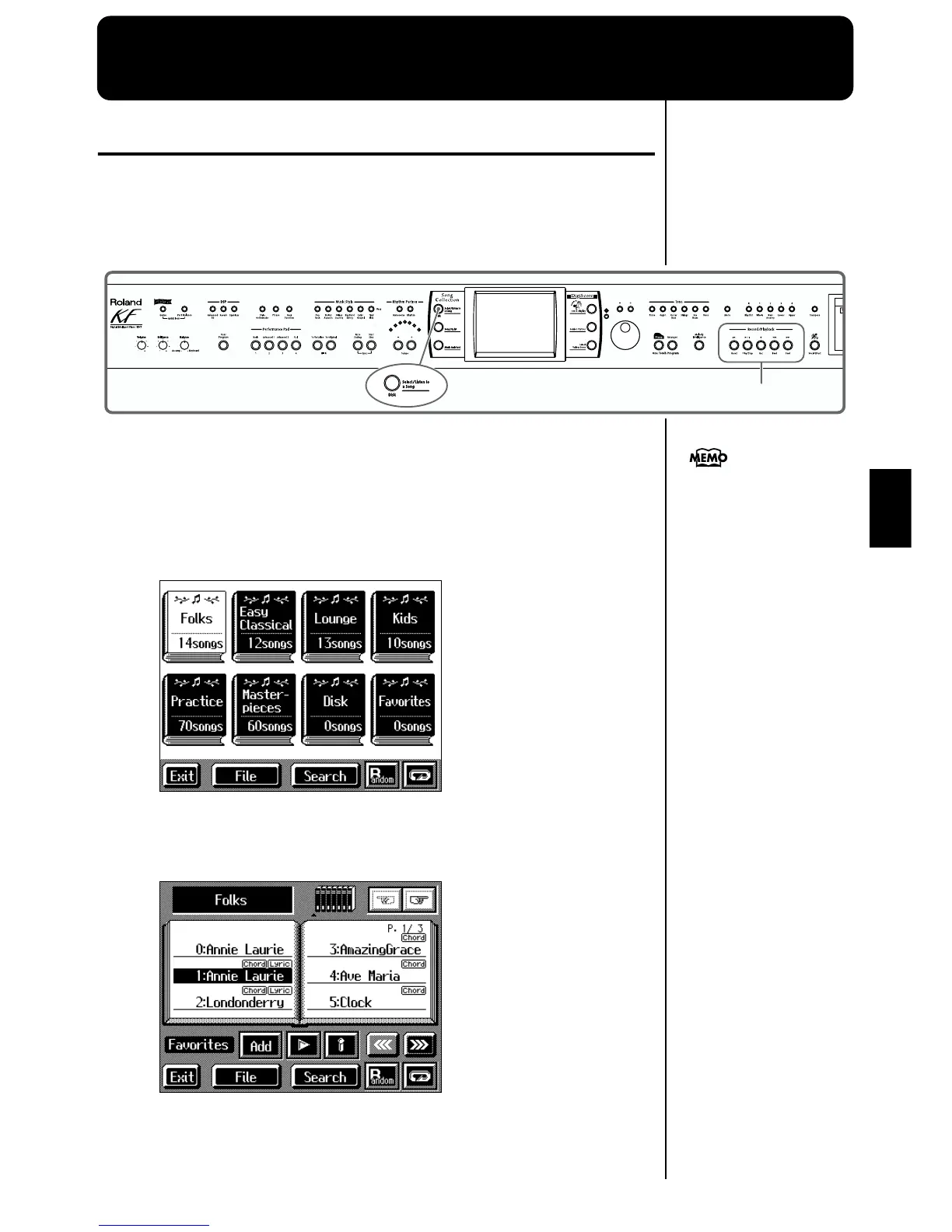
1. Press the [Select/Listen to a Song] button.
The following “Genre Selection screen” appears.
fig.d-genre.eps_60
When you touch the genre for the song you want to play, the screen changes.
When selecting a song from a disk, touch, <Disk>.
The following “Song Selection screen” appears.
fig.d-songsel.eps_60
If the floppy disk is being used
for the first time, refer to p. 6.



 To Next Page