68
Chapter 3 Song Playback and Practice Functions
Chapter 3
Registering the Songs You Like (Favorites)
You can register songs you are currently practicing or enjoy playing to “Favorites,”
allowing you to select these songs easily.
Selecting the Song
1. Press the [Select/Listen to a Song] button.
The Genre Selection screen or the Song Selection screen appears (p. 65).
2. Touch the song name to select the song to be registered.
Registering to Favorites
3. Touch <Add>.
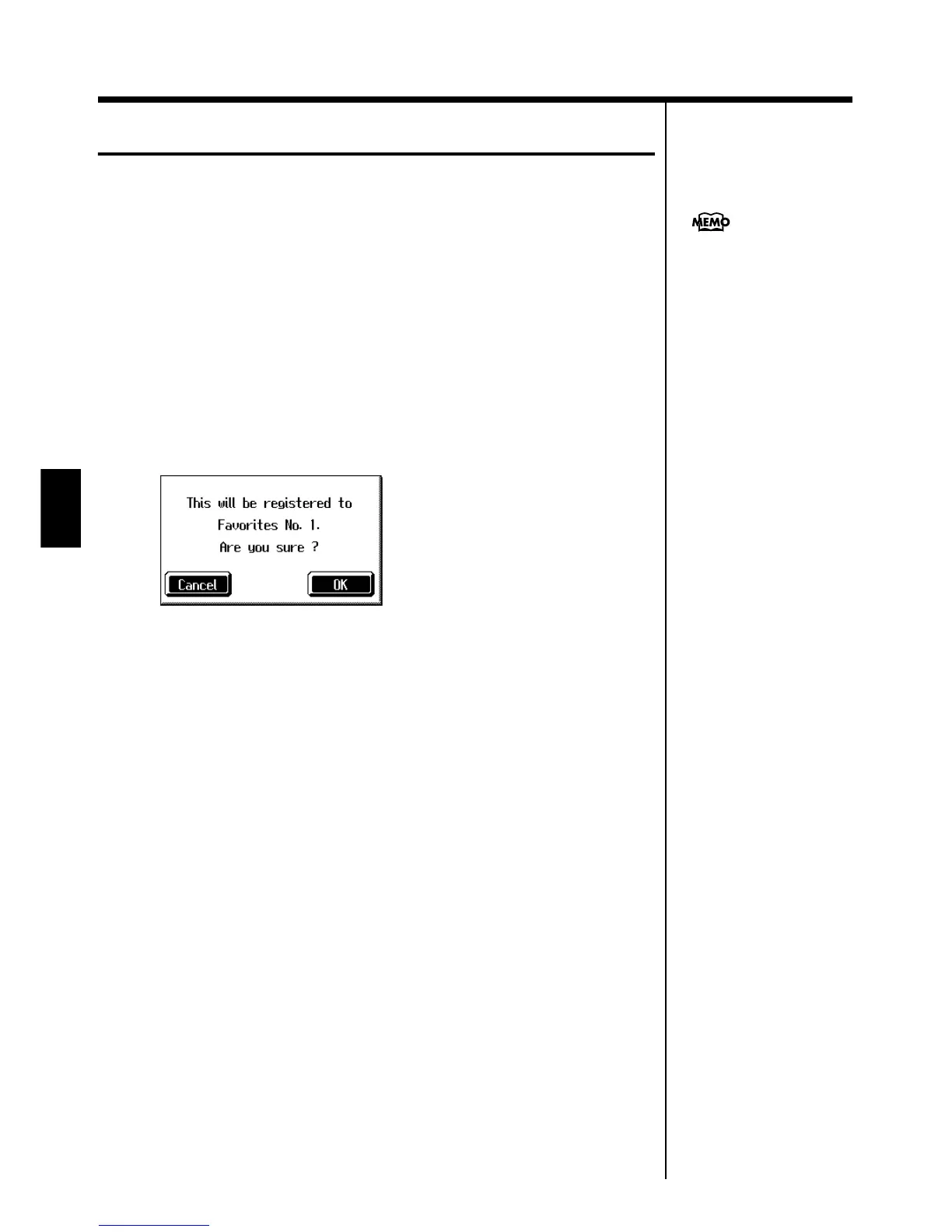
A screen like the one shown below appears.
fig.m-fvrtadd.eps_60
4. Touch <OK>.
The selected song is registered to Favorites.
Now you can select the registered song by selecting Favorites for the genre in the
Song Selection screen.
On the KF-7, you can also
register songs on floppy disks
to the Favorites. For details,
refer to “Copying Songs on
Disks to Favorites” (p. 105).



 To Next Page