Panel Descriptions
5
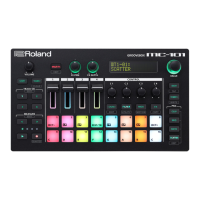
PAD [SEQ] button
Switches the pads to SEQ mode (p. 15). In SEQ mode,
you can use the lit pads to step-record a melody or step-
record drums.
If you hold down the [SHIFT] button and press the [SEQ]
button, you can then make settings related to SEQ mode.
PAD [NOTE] button
Switches the pads to NOTE mode (p. 14). In NOTE
mode, you can use the lit pads to play a melody or
drums.
If you hold down the [SHIFT] button and press the
[NOTE] button, you can then make settings related to
NOTE mode.
PAD [SCATTER] button
Switches the pads to SCATTER mode. In SCATTER mode,
you can use the lit pads to apply the SCATTER eect.
If you hold down the [SHIFT] button and press the
[SCATTER] button, you can then make settings related to
SCATTER mode.
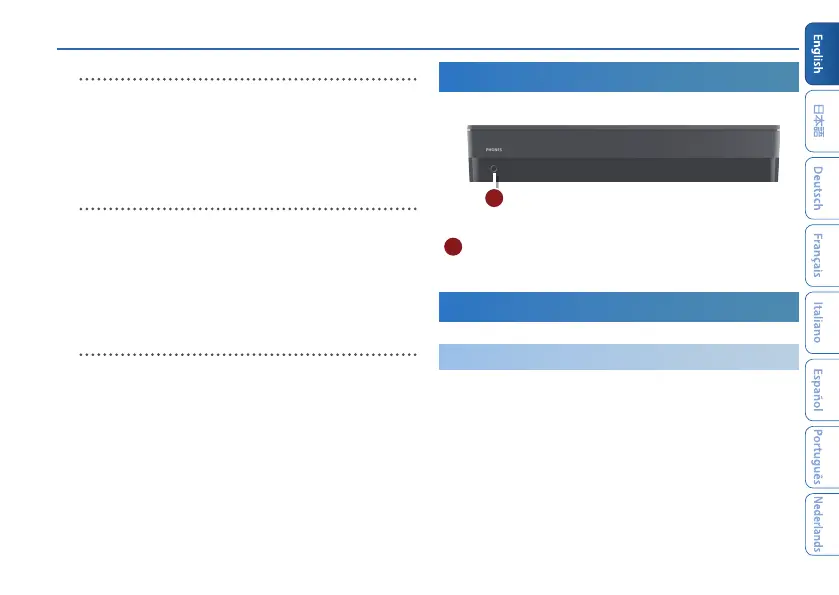
Front Panel
A
A
PHONES jack
You can connect a set of headphones here.
Bottom Panel
Installing the Batteries
As an alternative to USB bus power, you can use commercially available
AA nickel-metal hydride batteries or alkaline batteries to power the unit.
* If USB bus power is being supplied, the unit uses USB bus power
even if batteries are installed.
1.
Remove the battery cover.
* When turning the unit over, be careful so as to protect the but-
tons and knobs from damage. Also, handle the unit carefully;
do not drop it.


 To Next Page