32
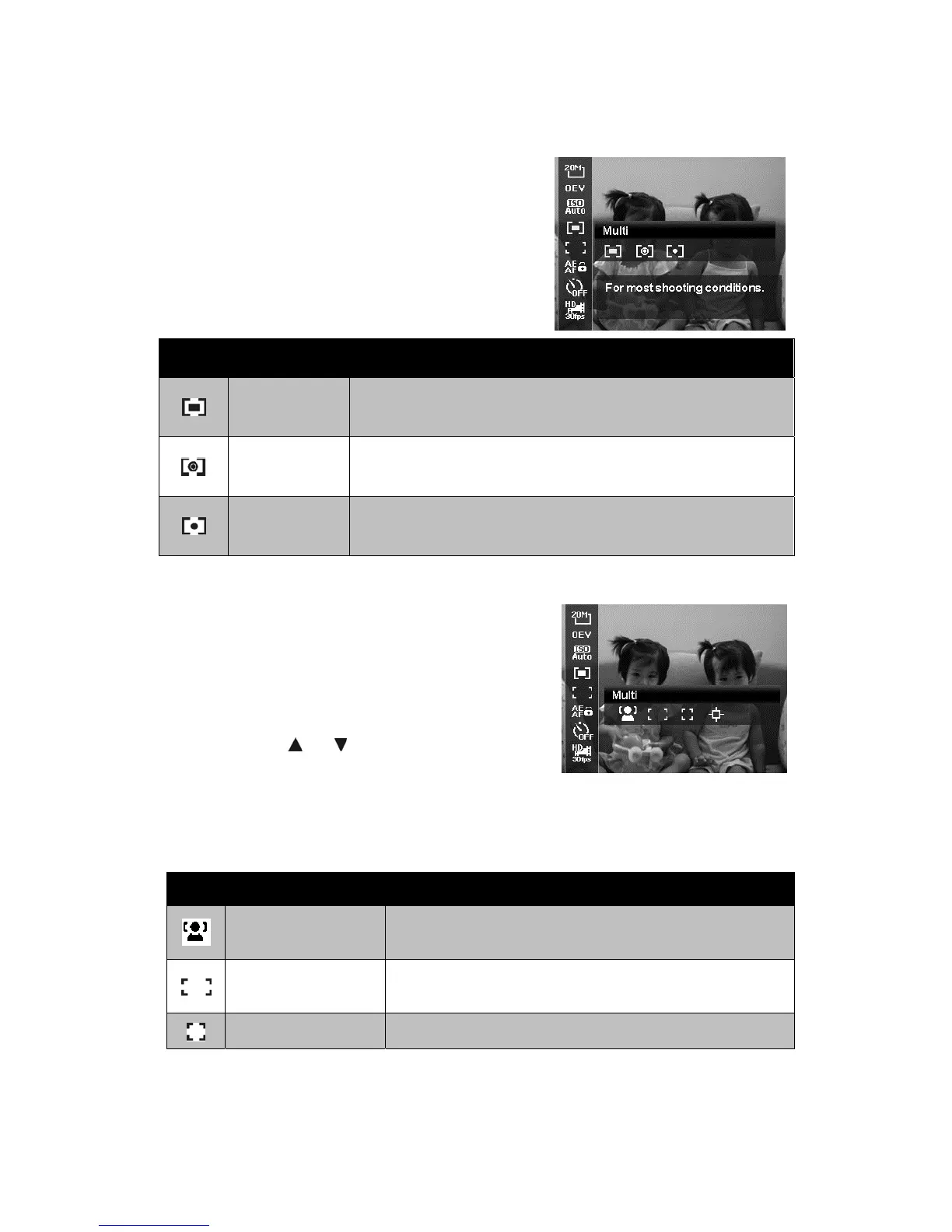
Metering
This sets the metering method for calculating
the exposure.
Icon Item Description
Multi
The entire area of the screen is measured, and the
exposure is calculated.
Center
Averages the light metered from the entire frame, but
gives greater weight to the subject matter at the center.
Spot
A very small portion of the center of the screen is
measured, and the exposure is calculated.
AF Area
AF stands for Automatic Focus. This feature
determines the area on which the camera
focuses.
To set AF Area
1. From the Record menu, select AF Area.
2. Use the
or keys to go through the
selection.
3. Press the OK button to save and apply
changes.
The table below shows the available AF area settings.
Icon Item Description
Face Tracking
This feature auto detects faces and tracks
continuously.
Wide
The camera automatically selects focus area within
the wide frame.
Center The focus area is fixed on the center.













 To Next Page