33
Tracking AF
The camera will focus the subject as it moves and
keep it continually in focus automatically.
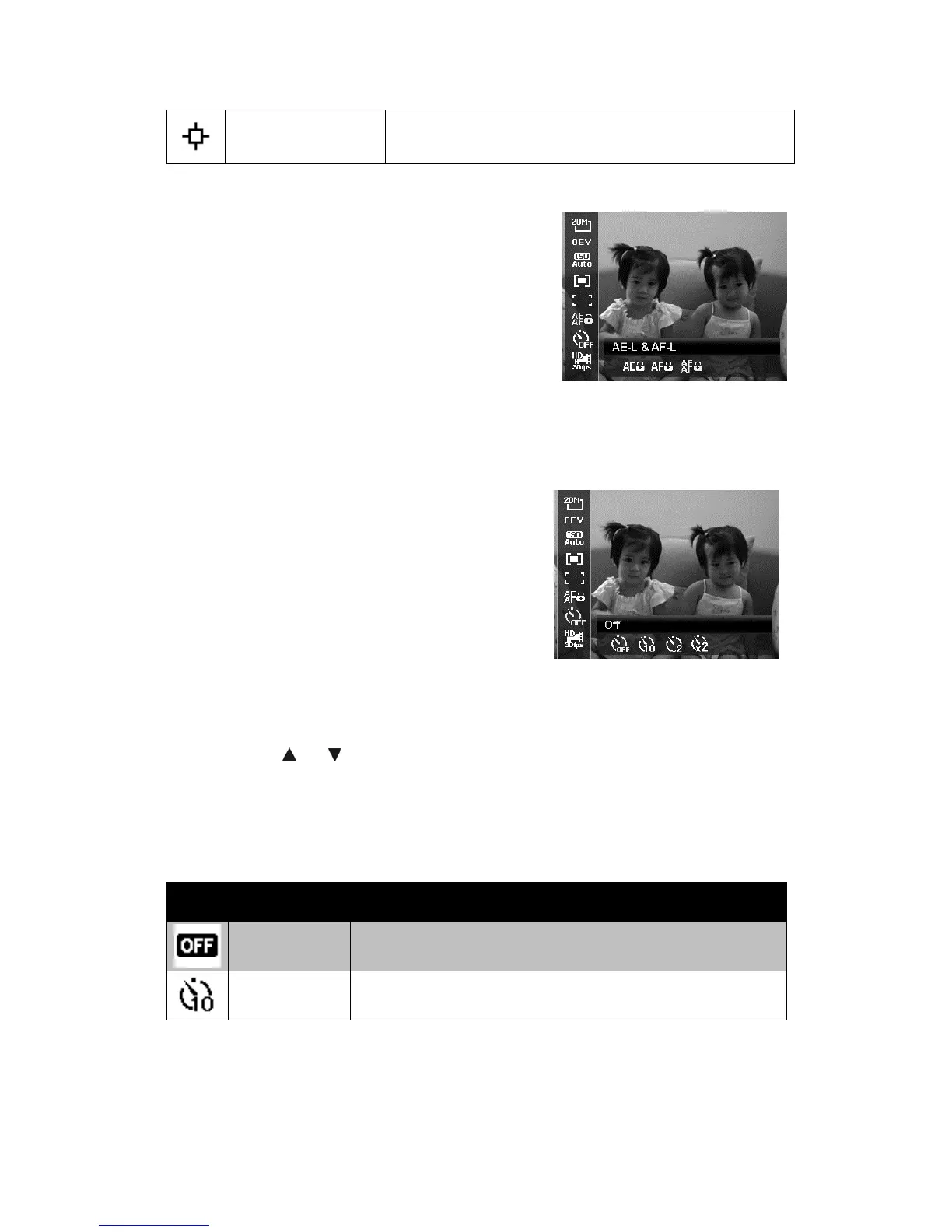
AE-L/AF-L
This feature allows locking exposure or focus
or both of them by pressing AE/AF LOCK/UP
button. You can define the AE/AF LOCK/UP
button to be one of the following functions:
x AE-L: Lock/Unlock exposure.
x AF-L: Lock/Unlock focus.
x AE-L & AF-L: Lock/Unlock both of
exposure and focus.
Press the AE/AF LOCK/UP button to unlock it.
Self-timer
Your camera features a Self-timer which can
be set in the Self-timer function in the
Function Menu. The Self-timer allows you to
take images after a pre-defined delay. While
burst lets you take consecutive shots. This
function is only available in recording still
images. The Self-timer setting is automatically
set to off when you turn off the camera.
To set the Self-timer
1. From the Function menu, select
Self-timer.
2. Use the
or keys to go through the
selection.
3. Press the OK button to save and apply
changes.
The table below shows the available Self-timer settings.
Icon Item Description
Off Captures an image without time delay.
10 Sec.
Sets a 10-second delay to capture image after pressing
the Shutter button.













 To Next Page