19
• PVR: This feature provides fast access to the Recordings. Use the VOL+- buttons to
select FILE and press OK. You can then use the CH+- buttons to select your desired
file and then press OK. The receiver will then playback the file which can be controlled
as described above. This menu Keeps all recordings and Movie files separate.
This facility enables you to quickly select and preview any recordings that you have made.
You can also watch FULL SCREEN or DELETE any unwanted recordings.
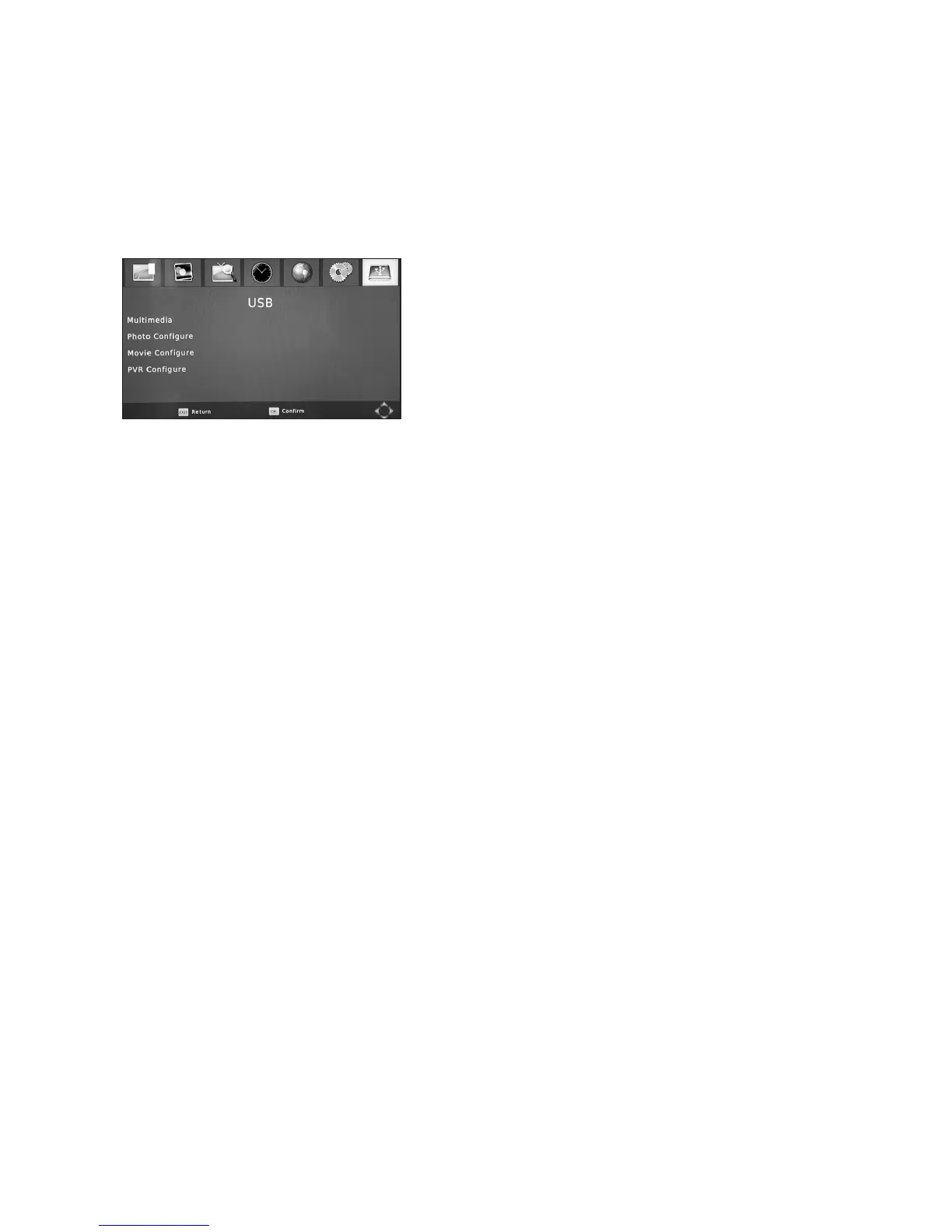
• Multimedia:This will bring up the Mutlimedia menu to browse contents of USB device,
see 5.5.1 Fast access to this menu is by use of MEDIA key on the remote.
• MovieCongure: In this section you can adjust:
• SubtitleSpecic: Size – BIG, NORMAL, SMALL.
• SubtitleBG: Alter the subtitle box background colour – TRANSPARENT, GRAY,
YELLOW GREEN, WHITE
• SubtitleFontColour: White, Blue, Green, Yellow
• ResumePlay: ON or OFF
Use the CH+- buttons to select and the VOL+- to select your preference. Press EXIT to save.
• PhotoCongure:In this setup menu you can adjust the transition time between slides
when viewing a photo slideshow. Use the VOL+- buttons to select the transition time
between 2, 3, 5 and 7 seconds. Press EXIT to save your choice.
• PVRCongure:
It should not be necessary to change any of the settings in this section as they will have
already have been adjusted when you setup the basic receiver to your preferences. Care
shouldbetakenwhenmakinganychangesinthissection.


 To Next Page