3–10 • Maintenance XPression Prime Maintenance Guide (v01)
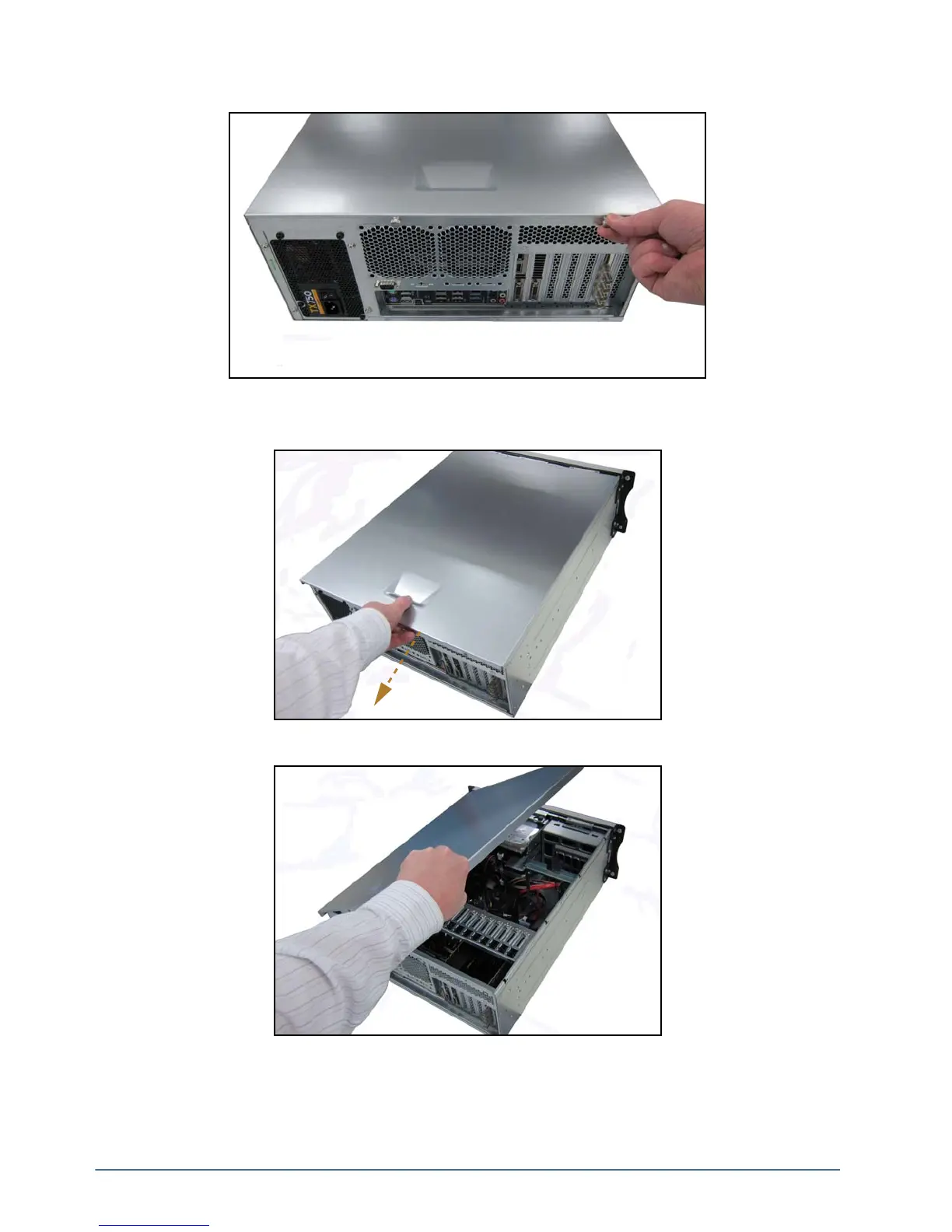
2. Remove the two thumbscrews at the back of the XPression system.
Set the two thumbscrews aside, as they will be needed to replace the top panel.
3. Gently pull the top panel back towards the rear of the unit, creating a gap between the top panels of the unit.
4. Lift the top panel off the chassis.



 To Next Page