XPression Prime Maintenance Guide (v01) Maintenance • 3–11
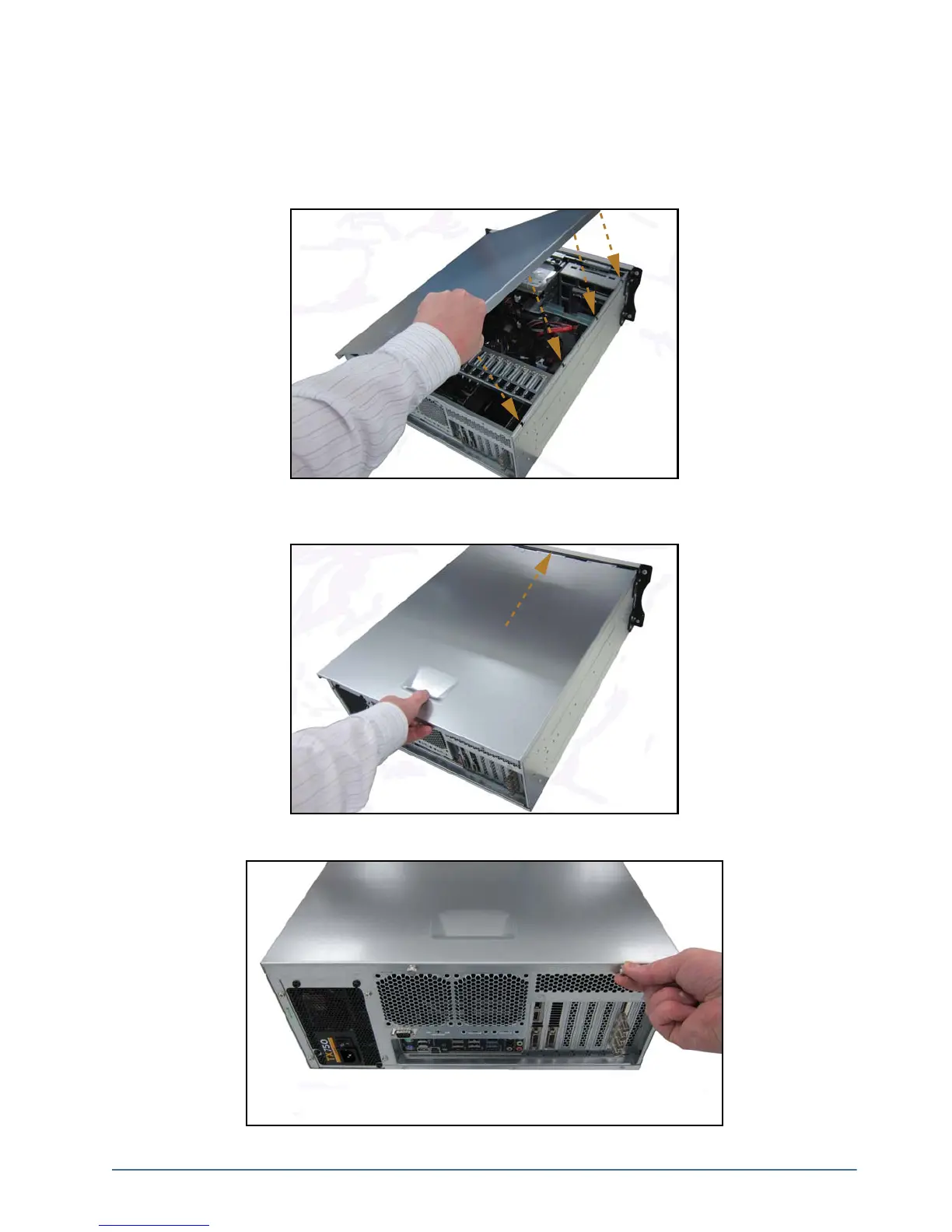
To re-install the top panel
1. Place the top panel onto the top of the XPression Prime system as follows:
• Face the sides of the top panel down around the sides of the system.
• Line up the four nubs on the inside of the sides of the top panel with the L-shaped grooves on the sides of the
system.
2. Gently slide the top panel into place, until a clicking noise is heard and the top panel is flush to the front top of
the XPression Prime system.
3. Insert and tighten the two thumbscrews into the back of the XPression system.



 To Next Page