XPression Prime Maintenance Guide (v01) Maintenance • 3–7
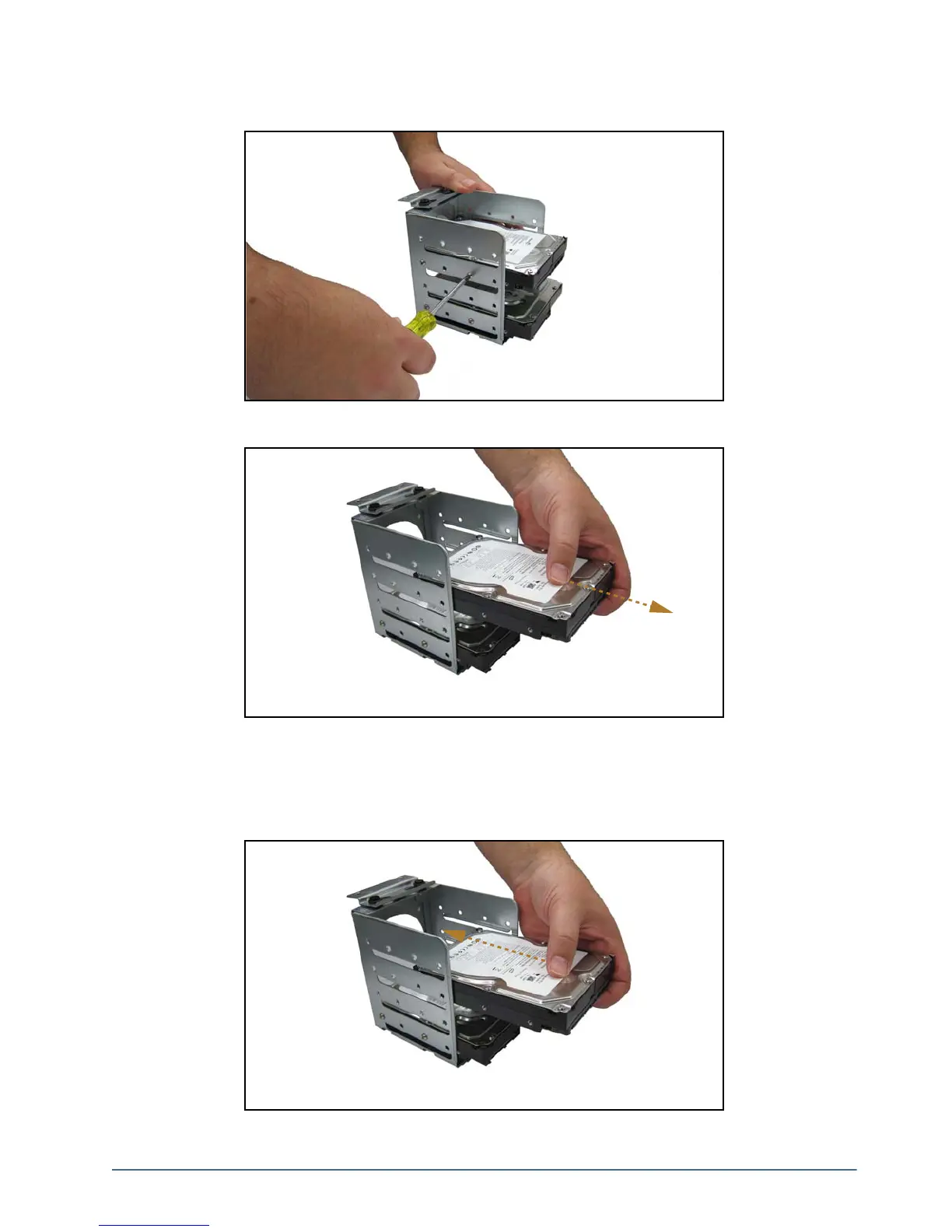
7. Using a Phillips head screwdriver, remove the screws from the drive cage. There are four screws in total per
drive.
8. Remove the drive from the drive cage.
Replacing a System Drive
To replace a system drive:
1. Insert the new drive into the drive cage with the with label facing upwards and the connectors at the open end
of the cage.



 To Next Page