XPression Prime Maintenance Guide (v01) Maintenance • 3–9
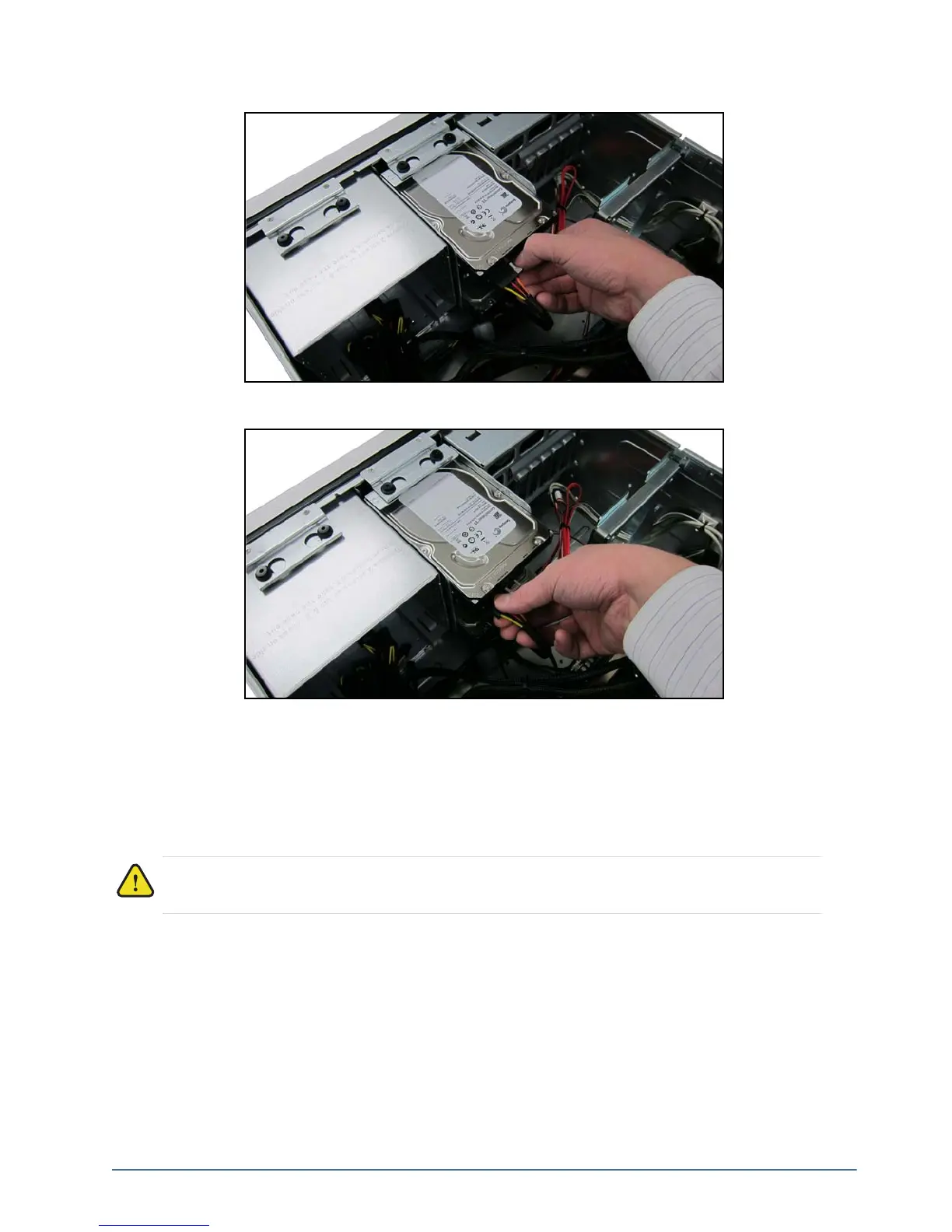
5. Connect the XPression Prime system to the drives.
6. Connect the power wires to the drives.
7. Re-install the top panel on the XPression Prime system. Refer to the section “Removing and Re-Installing the
Top Panel” on page 3–9 for instructions.
Removing and Re-Installing the Top Panel
The top panel of the XPression Prime system can be removed to gain access to internal components such as fans,
cards, and the USB security dongle.
To remove the top panel of the XPression Prime system:
1. Shutdown the XPression Prime system, remove all cabling, and place the system on a flat, non-slip surface.
Caution — Do not operate the XPression system with the top panel removed.



 To Next Page