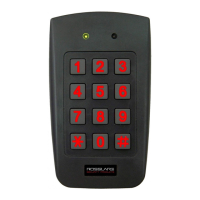
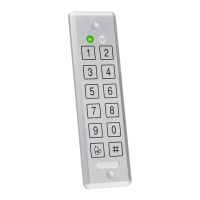
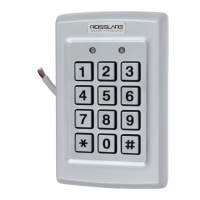
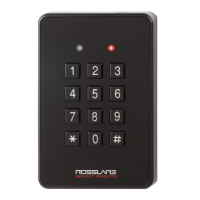
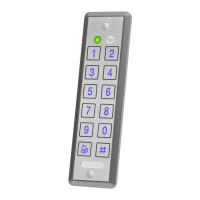
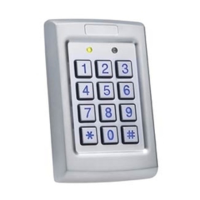
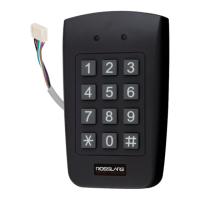
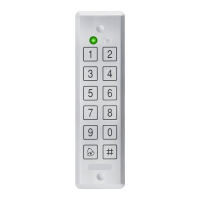
3. Installation
3.1 Mounting the AYC-Fx4 and AYC-Gx4
Before starting, select the location to mount the AYC-Fx4 / AYC-
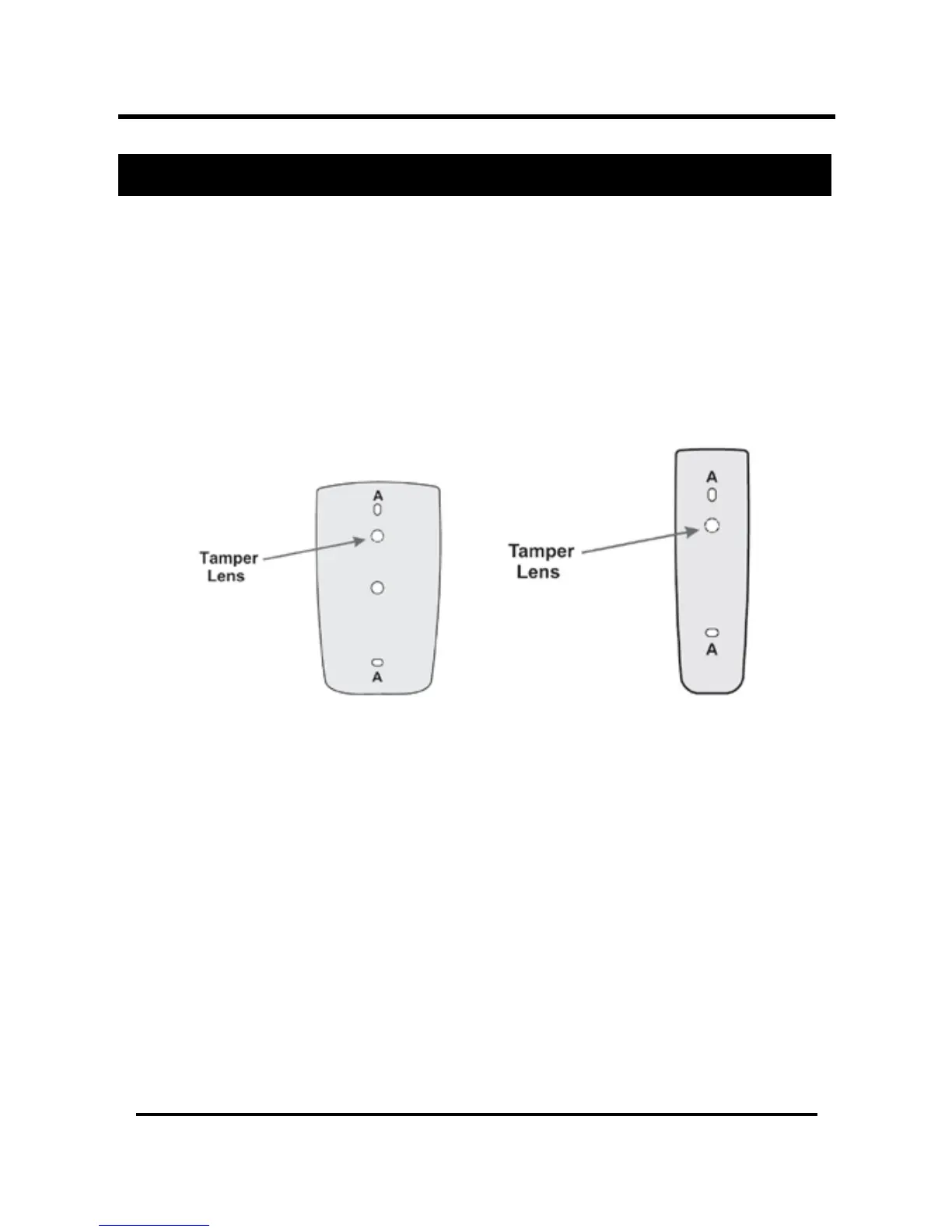
Gx4. This location should be at shoulder height. Drill holes into the
back of the unit according to how you want to mount the AYC-
Fx4/AYC-Gx4. For US Gang Box installation, there are two-hole
indicators on the back of the cover specifically aligned for the US
Gang Box (A, in diagram below).
Figure 1 Drilling mounting holes
When the unit is used a reader, route the interface cable from the
AYC-Fx4/AYC-Gx4 to the Controller. When the unit is used as a
secured controller, route the interface cable from the AYC-Fx4 /
AYC-Gx4 to Rosslares’ secure application appurtenance.
A linear type power supply is recommended, when using the unit
as a controller.
Screw the AYC-Fx4/AYC-Gx4 back cover to its mounting location.
Return the AYC-Fx4/AYC-Gx4 front cover to the mounted back
plate.
Secure the front cover by using the supplied security screw in the
controllers Installation Kit. An L-Shaped tool is provided for use
when tightening the security screw.
AYC-Fx4



 To Next Page
 Loading...