3
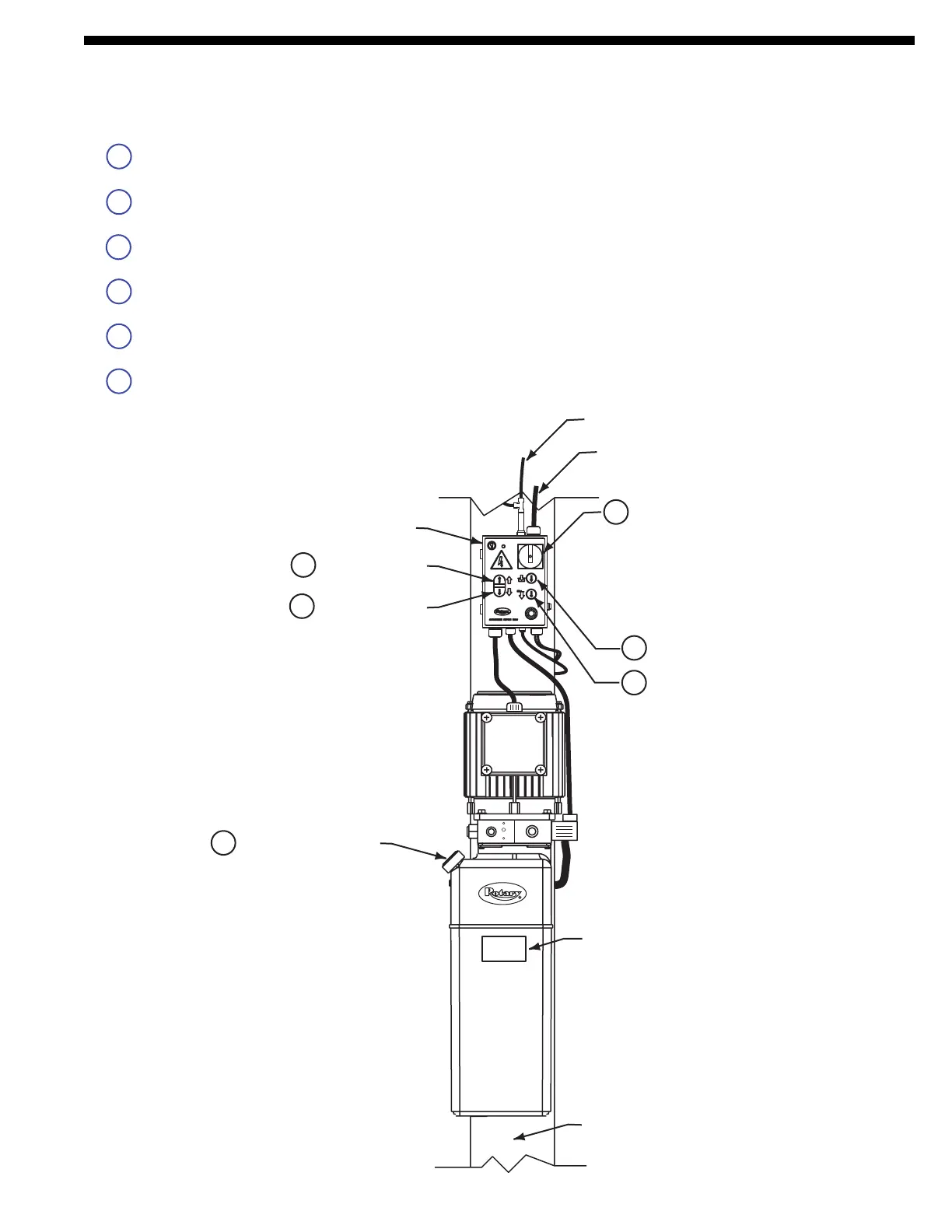
1 Turning Disconnect to the right provides electricity to the motor.
2 Pushing button starts the motor and raises the runways.
3 Pushing button lowers to locks.
4 Pushing button raises lift, retracts locks and lowers runways to 200mm from floor.
5. Pushing button lowers lift from 200mm until runways are lowered to the floor.
6. Remove cap to fill or add fluid to power unit tank.
Lift Controls
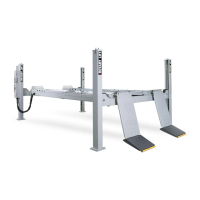
Fig. 1
CAPACITY
4000 kg.
2. Raise Switch
Control Panel
Incoming Power
Capacity Sticker
Column
6. Fill/Breather Cap
3. Lower To Lock
1. Switch
5. Toe Guard Down
4. Lower Switch


 To Next Page
 Loading...