LOKA HAHB remote control
EN
67
Installation and user manual
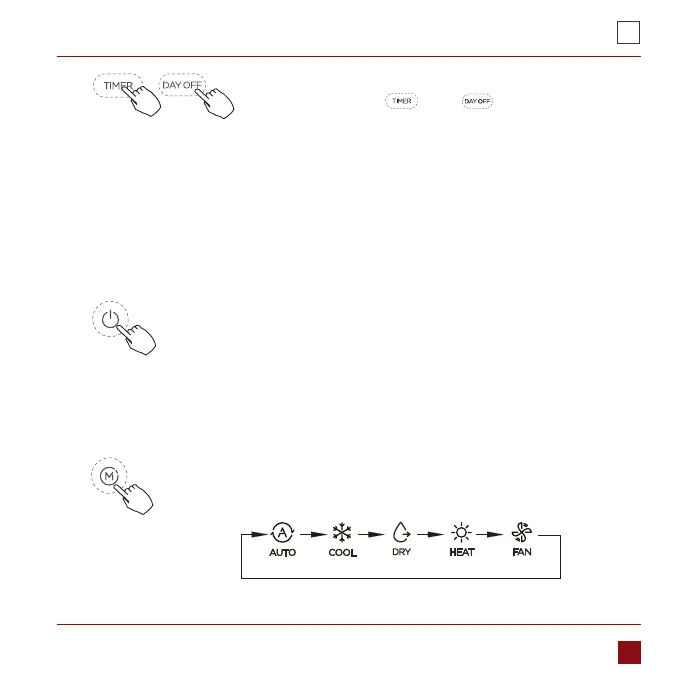
Time scale selection.
Press the buttons „ ” and „ ” for seconds will
alternatethe clock tieme display between the 12h&24h
scale.
6.
To start/stop operation
Press the Power button.
To set the operation mode
ress the Mode button to set the operation mode.
(Heat function is invalid for cool only type unit)
9. OPERATION



 To Next Page