LOKA HAHB remote control
EN
84
Installation and user manual
12. WEEKLY TIMER 2
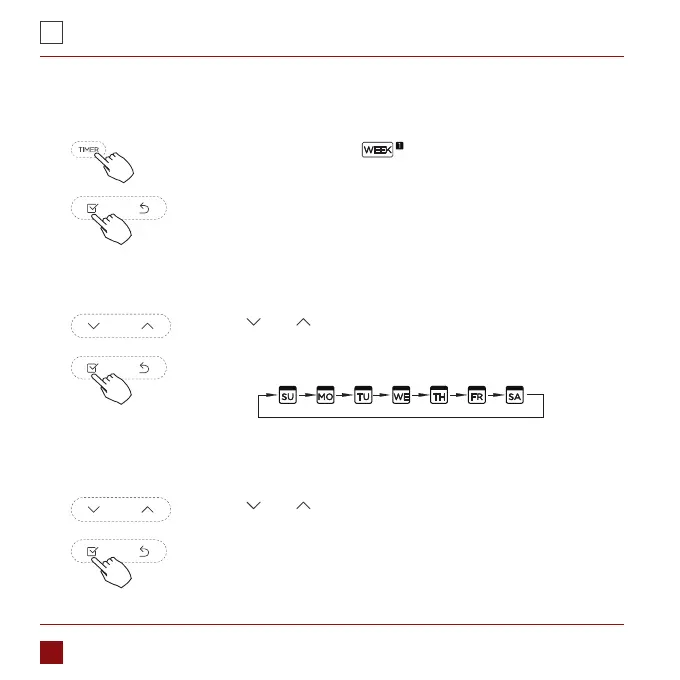
1. Weekly timer setting
Press Timer to select the and press Conrm.
Press „ ” or „ ” to select the day of the week and then press
CONFIRM.
2. Day of the week setting
Press „ ” or „ ” to select the setting time. The setting time,
mode, temperature and fan speed appear on the LCD. Press
CONFIRM to enter the setting time process.
3. ON timer setting of timer setting 1



 To Next Page