LOKA HAHB remote control
EN
78
Installation and user manual
11. WEEKLY TIMER 1
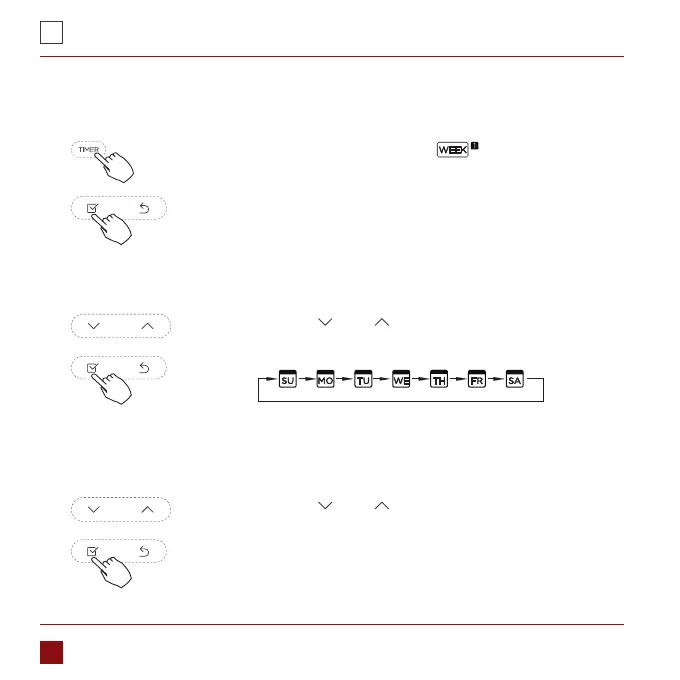
1. Weekly timer setting
Press the Timer button to select the
and then press the
Conrm button to conrm.
Press the button „ ” or „ ” to select the day of the week and
then press the Conrm button to conrm the setting.
2. Day of the week setting
Press the button „ ” or „ ” to set the time of On timer and
then press the Conrm button to conrm the setting.
3. ON timer setting of timer setting 1



 To Next Page