LOKA HAHB remote control
EN
79
Installation and user manual
Up to 4 timer settings can be saved for each day of the week.It is conventent if
the WEEKLY TIMER is set according to the user’s life style.
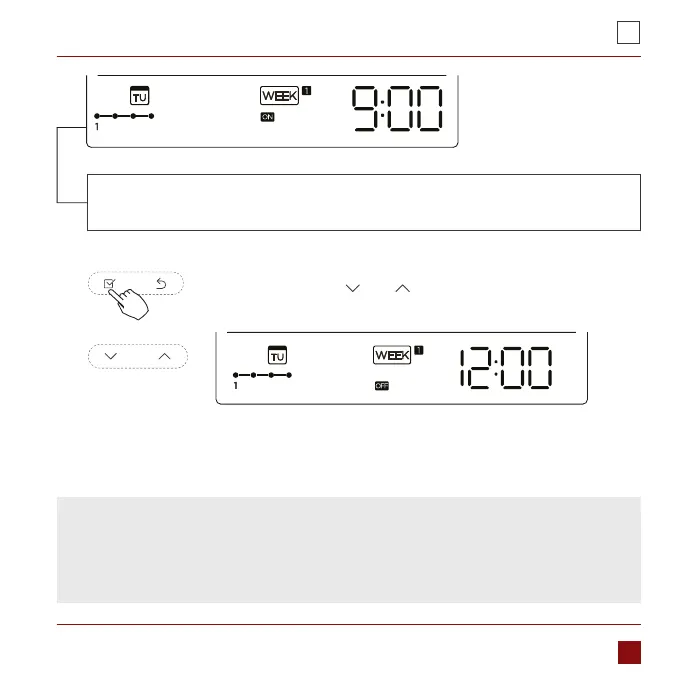
ex.Tuesday time scale 1
NPress the button „ ” or „ ” to set the time of O timer and
then press the Conrm button to conrm the setting.
4. O timer setting of timer setting 1
5. Dierent timer settings can be setted by repeating step 3 to 4.
6. Other days in one week can be setted by repeating step 2 to 5.
ex.Tuesday time scale 1
NOTE: The weekly timer setting can be returned to the previous step by pressing
Back button.The time of timer setting can be delete by pressing Day o botton
The current setting will be restored and withdrawn the weekly timer setting
automatically when there is no operation for 30 seconds.



 To Next Page