LOKA HAHB remote control
EN
72
Installation and user manual
3. And then use Swing button to adjust the Up-Down airow direction of the selected
louver.
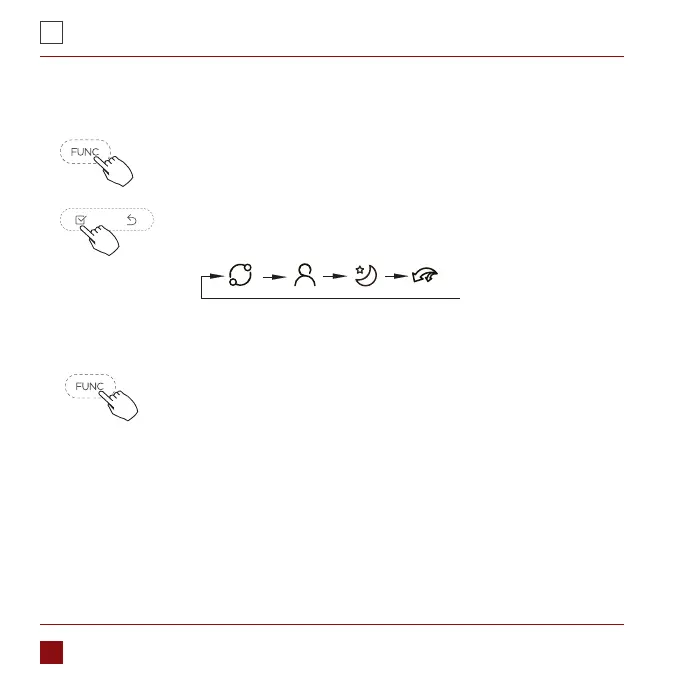
Press the FUNC. button to set the turbo or rotating or iFeel
function.
The select function icon will ash then press the CONFIRM
button to CONFIRM the setting.
Sleep function
In automatic, cooling or heating mode, press the FUNC. button to
select the sleep icon, and then press the OK button to turn on or o
the sleep function, and set the wind speed to display as automatic
wind.
After the sleep function is turned on, turning on turbo, 8-degree
heating, switching modes, or adjusting the wind speed will cancel
the sleep function.



 To Next Page