Section 3 Safety 3-11 S85A / S86A Manual
www.rottlermfg.com
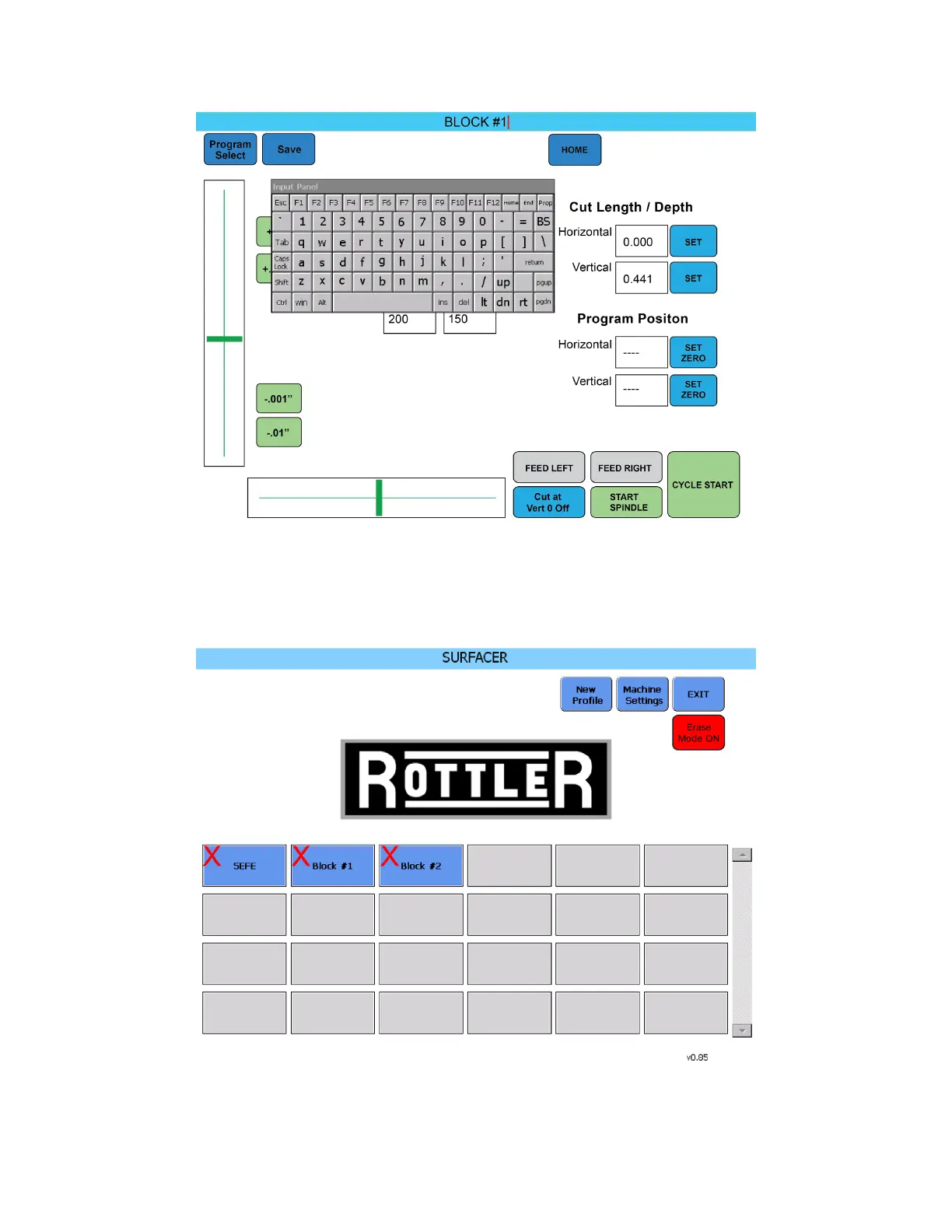
1. To erase a block profile from the Profile Select screen tap the Erase Mode button so that it changes
color to red and the button reads Erase Mode ON.
2. A red X will appear on all the saved block profiles.
3. Tap the block profiles you want to erase.
4. Tap the Erase Mode button again to change the button back to Erase Mode OFF



 To Next Page