OPC90 Server
9.2 Configuring DCOM on the Remote OPC Client PC
Some OPC clients utilize a mechanism called “Data Callbacks” to receive data
values from an OPC server. For these types of clients, the remote PC must have
its access permissions enabled to receive the callbacks. If an OPC client can
attach to the server but not receive data values, this is a sign it relies on
callbacks and therefore the PC access permissions must be adjusted. Do the
following procedure to make these adjustments.
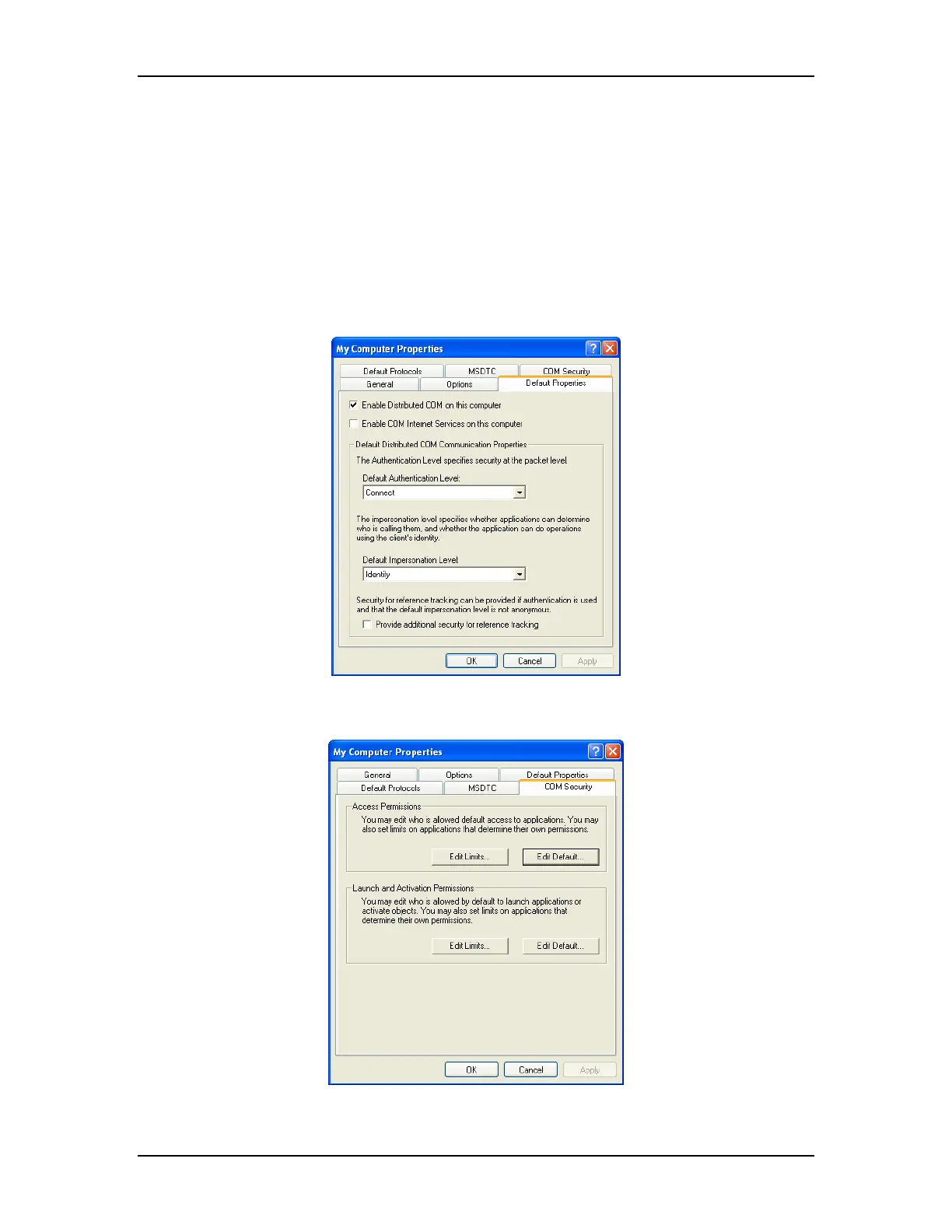
Run DCOMCNFG and select the DCOM properties of “My Computer” and set the
following default properties:
Select the COM Security tab shown as follows:
The RoviSys Company Version 7.0 Page 131



 To Next Page