OPC90 Server
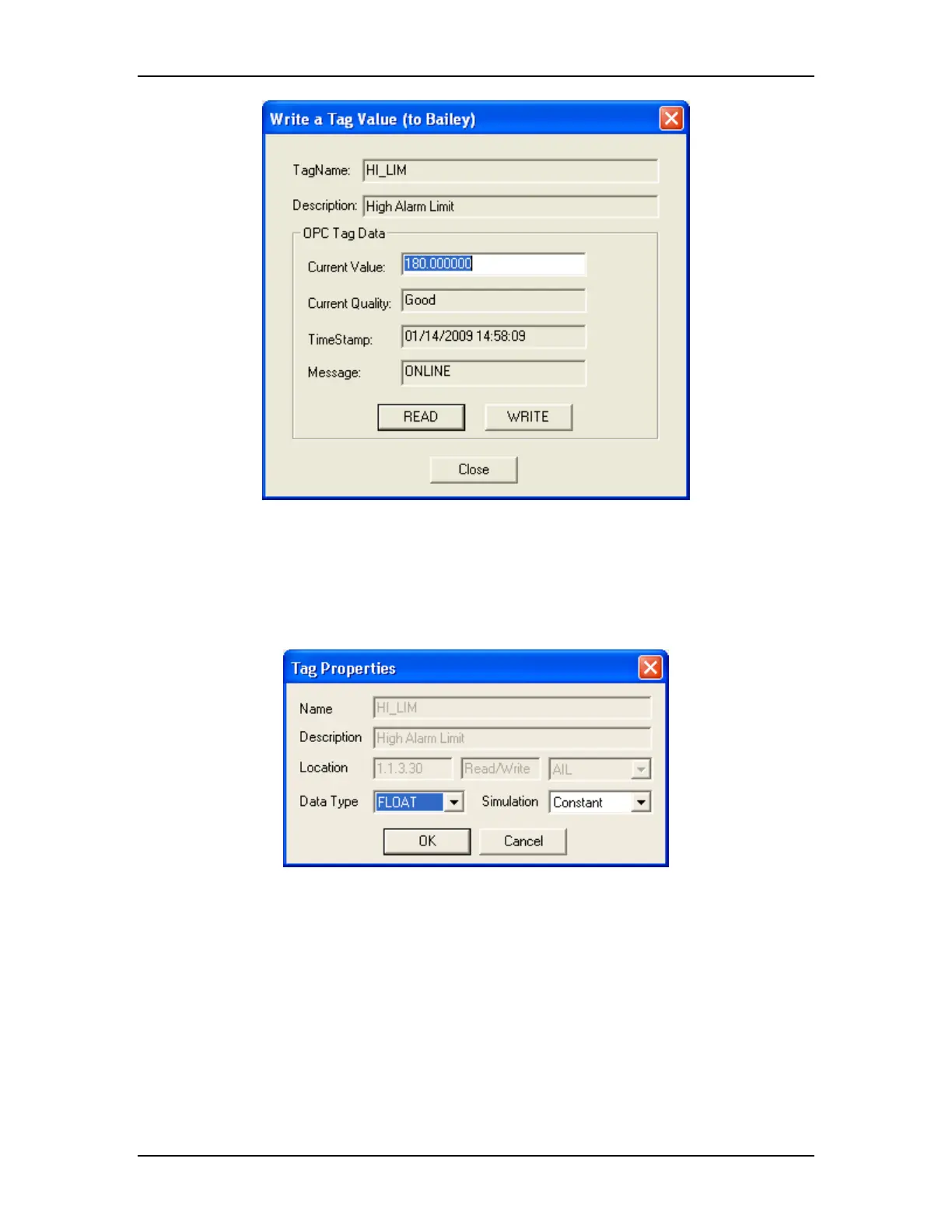
Enter the desired value to be written in the current value field and click on the
rite button. Thw e entered value will be written.
rties can also be modified. Right click on the tag name and select
option. The following dialog will be displayed:
The tag prope
sthe propertie
This dialog allows the default native data type representation to be changed.
When simulation is enabled, the type of signal to be applied can also be
specified. Note that changes to the data type and simulation signal apply
globally to all blocks of the same type. In other words if the native type or
simulation signal for the OUT tag is changed for the AIL block, the change
applies to all AIL blocks.
5.4.2 View Status
Select “Status Bar” to enable and disable the program status bar. When OPC90
is not in runtime mode, the status bar presents tag summary information about
The RoviSys Company Version 7.0 Page 30



 To Next Page