OPC90 Server
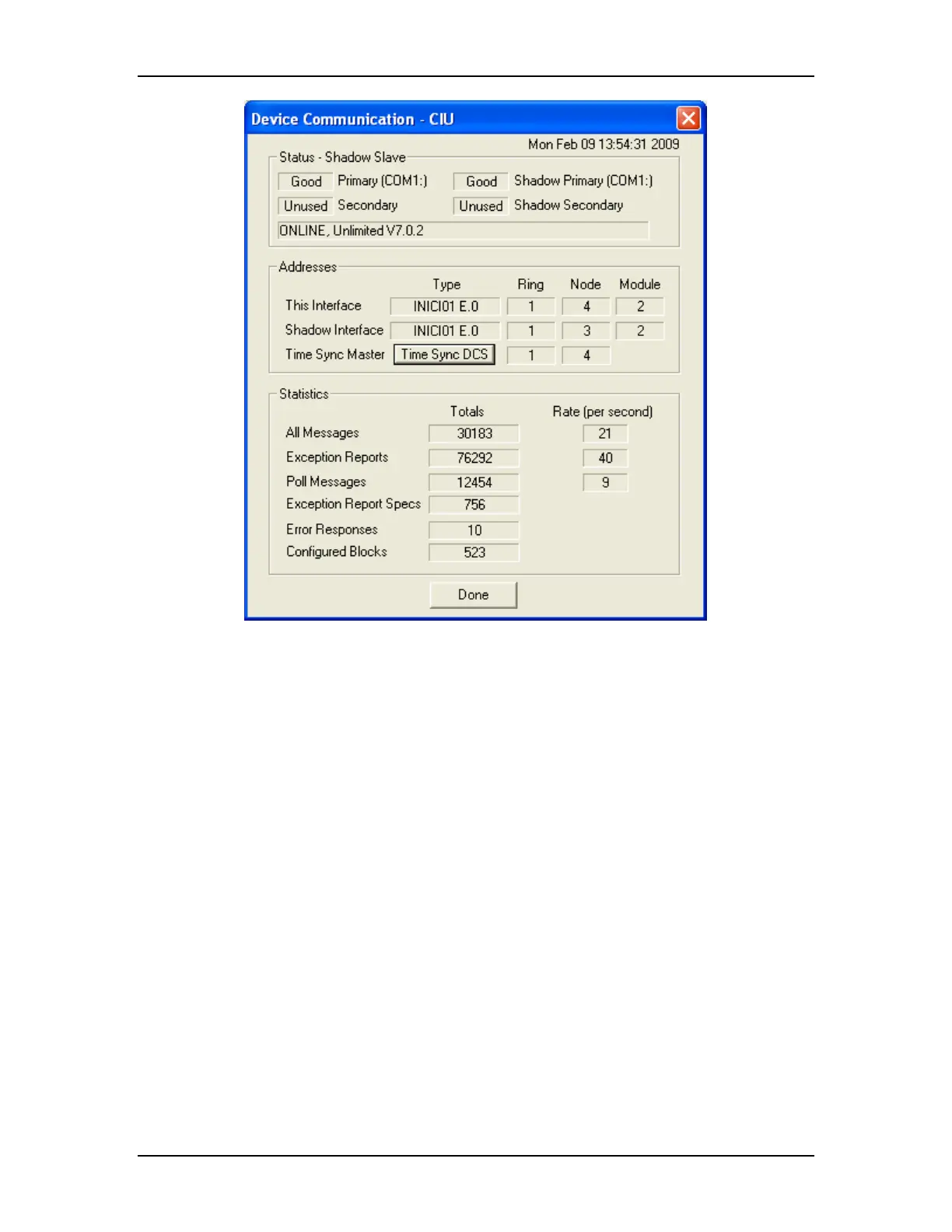
Note that the “T D button shown on this faceplate only appears if
block s to partici . It will appear grey
for itions needed to request a DCS time sync to
CIU unicating, not in standby operation, and the
yn n deter a non-zero
ap rrent tim
ime Sync CS”
the Device has been etup pate in time syncing
while waiting the proper cond
occur. The must be comm
current time s c master has bee mined. This is indicated by
node number pearing for the cu e sync master.
The RoviSys Company Version 7.0 Page 73



 To Next Page