Operation
Instruction manual Folding system Page 40 of 100
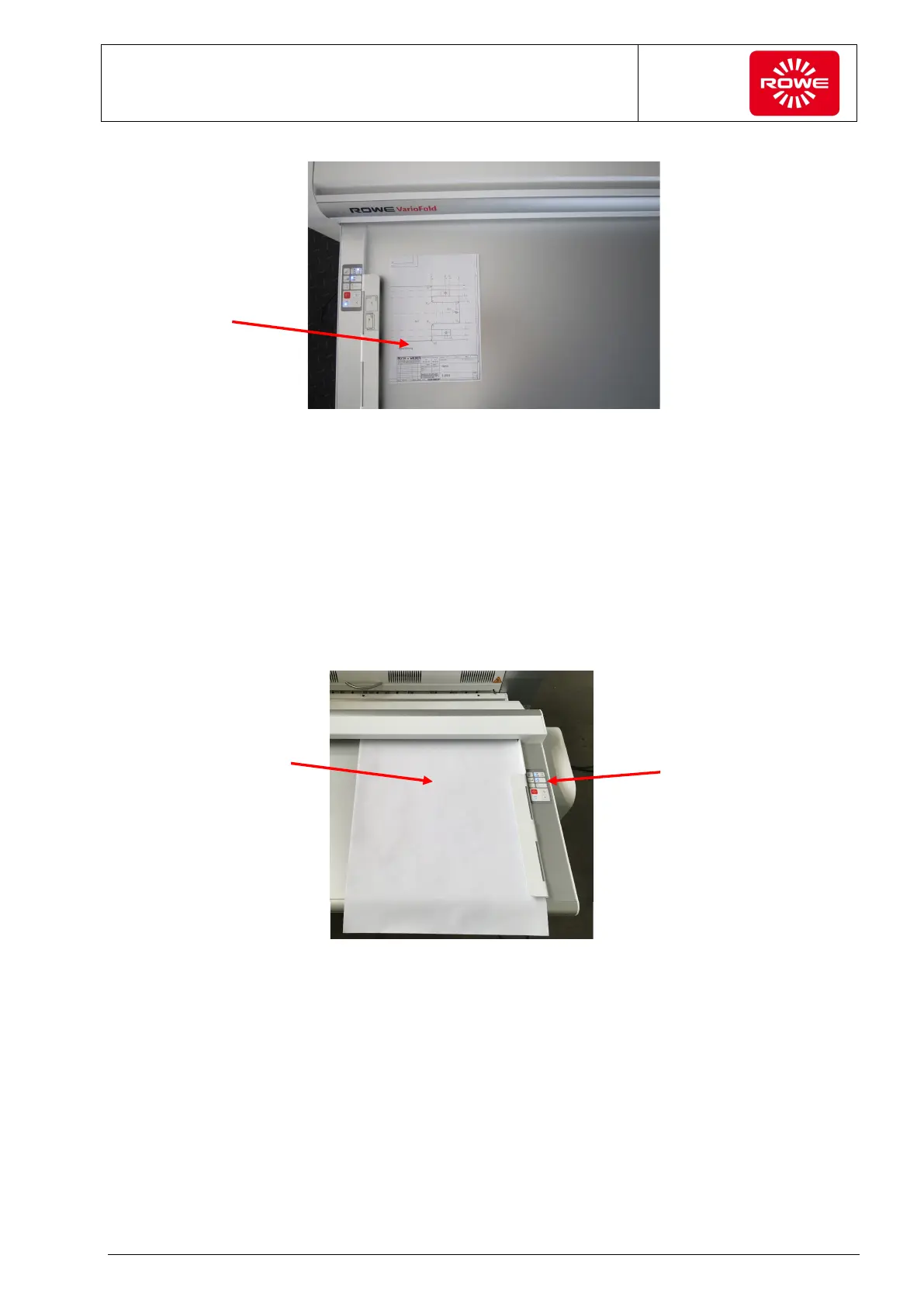
Fully folded document
Offline Folding of a Portrait Format Document with Header to the Lower Right (AFNOR
Folding) on a VarioFold with Online Bridge
For this folding, create a favorite with a fan folding width of 11” [297
mm] (see section 5.10.9 or 5.11.9). You will need FOLD APP SE or
PRO. For AFNOR folding, select the corresponding program using
the Favorite key and insert the document to be folded as described
below. The header is located to the upper left. For the second folding,
use the fan folding program selection key (section 3.2, control panel)
to select required folding program 8.5 [210P].
Select the folding
program with the
Favorite key
(section 3.2,
control panel).
Fully folded
document
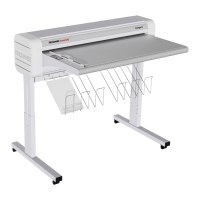
Insert the document
for longitudinal
folding, face down,
header front right
(1st folding)


 To Next Page