Operation
Instruction manual Folding system Page 81 of 100
5.12 Calibration
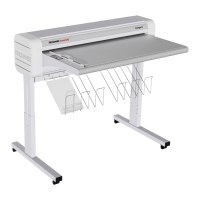
The offline table has to be calibrated to the base unit. This procedure
is usually performed as part of the initial installation. This necessary
initial calibration is indicated by sequential LEDs on the offline table
control panel. By feeding the calibration charts provided, the
document is transported through the Folding system. When
calibration is successful, the sequential LEDs stop and the Folding
system goes into operating mode. The default folding program for
longitudinal or cross folding illuminates on the control panel. The
calibration has failed if the sequential LEDs continue to appear.
Repeat the calibration chart.
If the offline table is removed, a firmware update has copied to the
Folding system, or folding dimensions do not correspond with the
selected folding program, we recommend performing a new
calibration.
To restart the calibration, connect the PC to the Folding system with a
USB cable.
Offline calibration:
Log in
In the Fold Manager select Calibration (LEDs flash variably), then
initiate the calibration chart or plan in size A0.
Online calibration:
Log in
In the Fold Manager select Calibration (LEDs flash variably), the using
the printer select a file in format A0 with the 0.84 inch binding margin
folding program, and print.


 To Next Page