Operation
Instruction manual Folding system Page 82 of 100
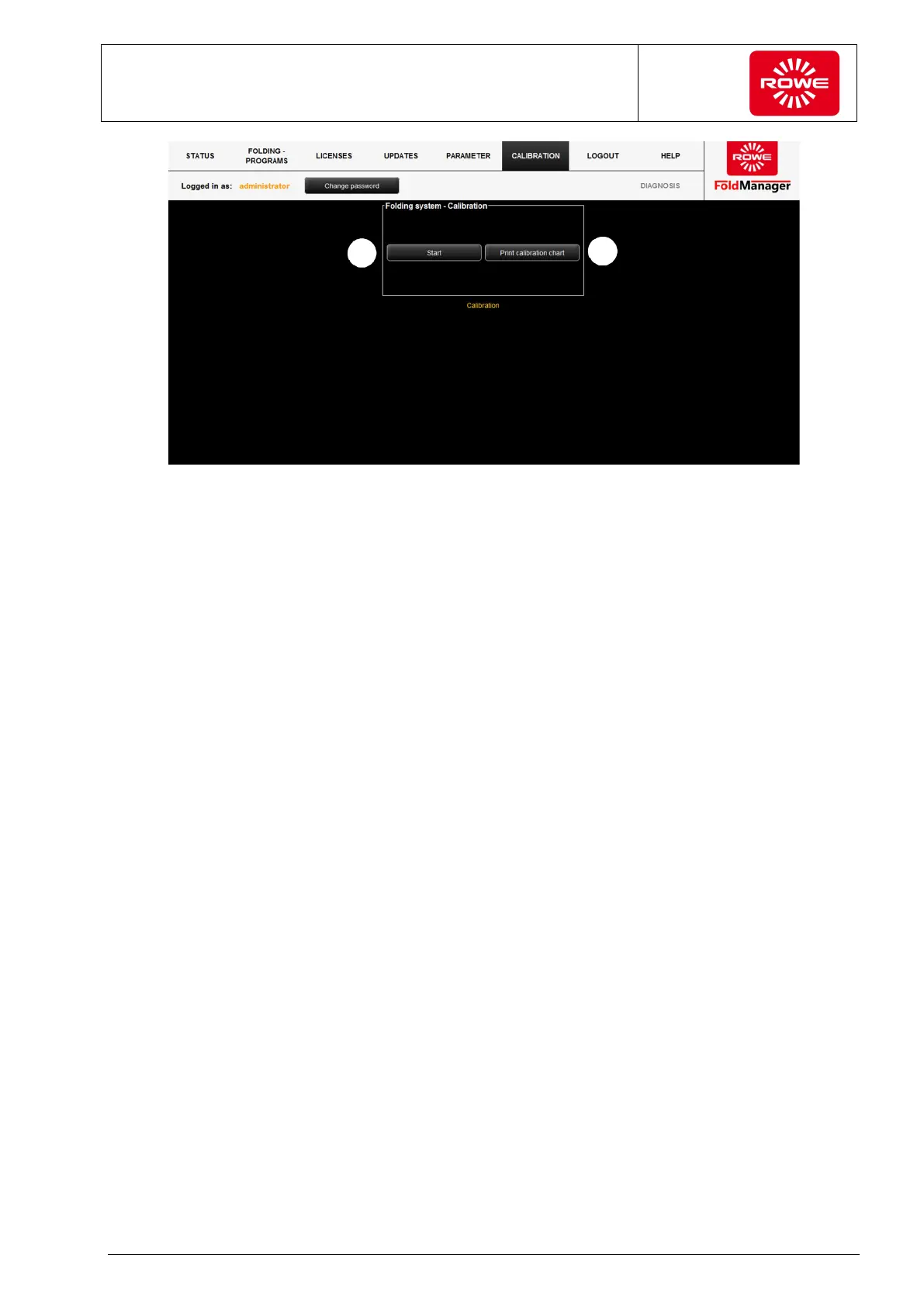
Screen - Calibration menu
1. Selecting "Calibration Chart" opens a PDF file, and you can print
out the calibration chart.
2. Select "Start to switch the Folding system to calibration mode
(sequential LEDs on the control panel). Feed in the calibration
chart to start calibration. The document is transported through the
Folding system and calibration mode ends (operating mode
indicator in the control panel).
3. In the Fold Manager select Calibration (LEDs flash variably), the
using the printer select a file in A0 format with the 0,84 inch
binding margin folding program, and print.


 To Next Page