Operation
Instruction manual Folding system Page 89 of 100
5.15 Error indicator
Table 7: Error indicator
Error Indicator Recommended solution
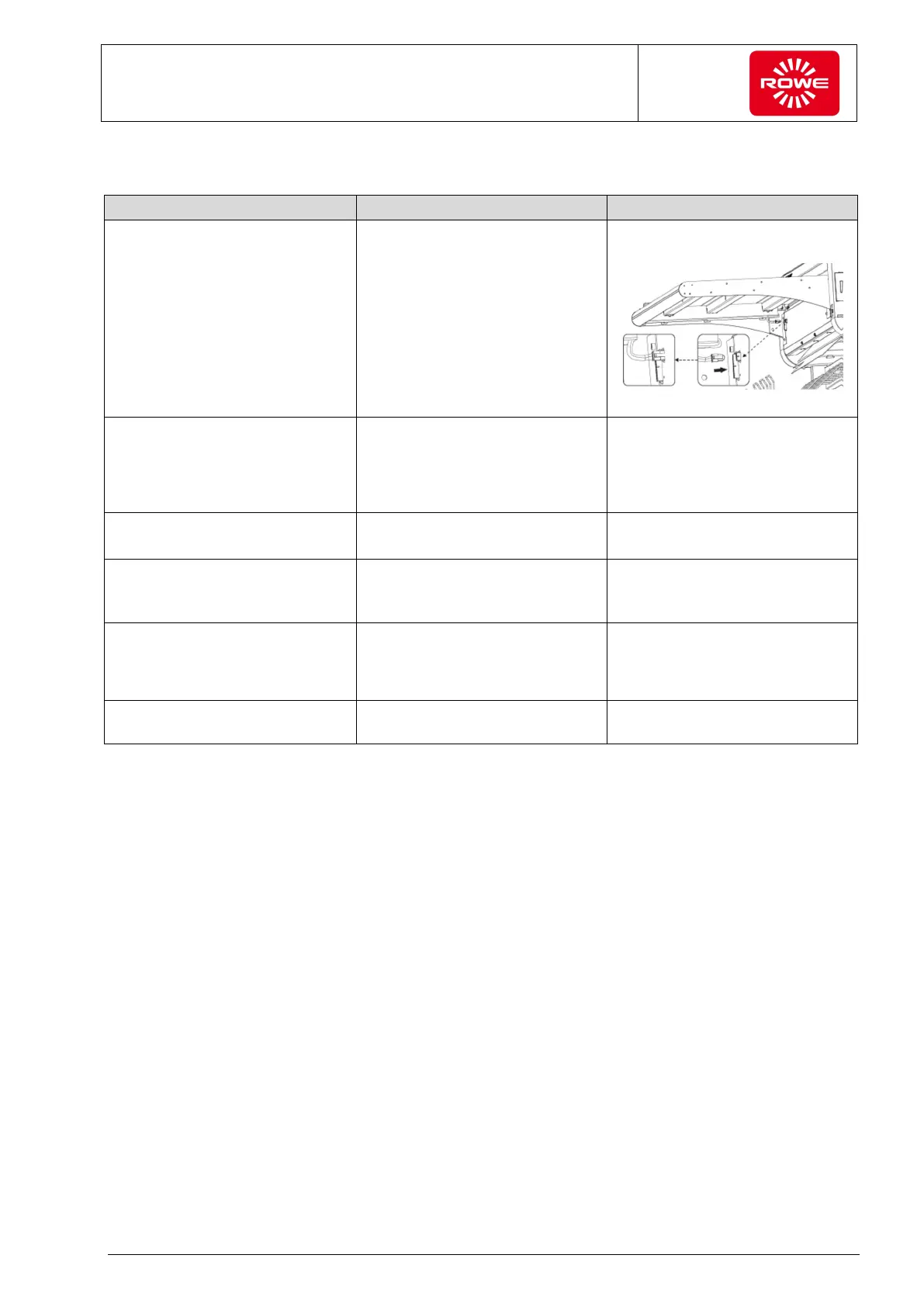
No connection to the OPS module - 5 warning signals - Check the connection below the
feed table
View of offline table from below
No connection to license EEPROM
(IButton)
- Jam/error LED on permanently
- 4 warning signals
- Disconnect the VarioFold
Compact from line voltage for at
least 3 seconds. Reestablish the
connection. If the problem
persists, contact ROWE Service.
License invalid - Jam/error LED on permanently
- 3 warning signals
- Contact ROWE Sales with the
error message that is shown.
Machine defect
(error in computation control (run
time monitoring))
- Jam/error LED on permanently
- 2 warning signals every 5
seconds
- Contact ROWE Service with the
error message that is shown.
Machine not ready
(paper jam, safety chain open)
- Jam/error LED on permanently - Check whether a document to
be folded is still in the Folding
system or whether the top cover
is open.
Calibration not yet performed - Folding program LEDs flash
sequentially
- Perform the calibration per
section 5.12.


 To Next Page