Alpha 583cx User’s Guide 105
Return Sale
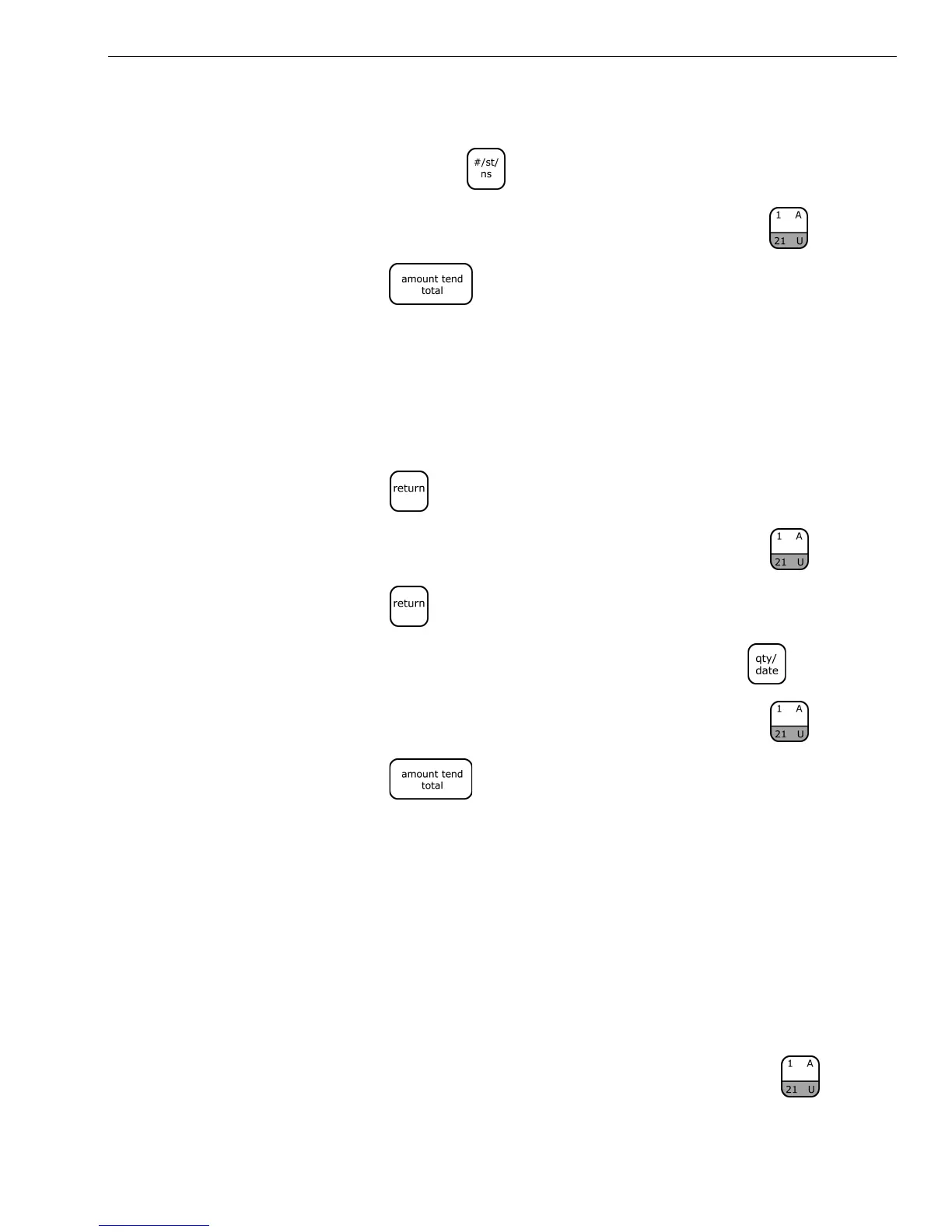
To register a reference number
1 In the Number keys area, enter the Reference Number up to 10 digits,
and then press the key.
2 In the Number keys area, press 100, and then press the key.
3 Press the key.
Return Sale
Example 50: Refund a $1.00 item in Department 1 and refund a $1.50 item
three times in Department 1.
To ring a return sale
1 Press the key.
2 In the Number keys area, press 100, and then press the key.
3 Press the key.
4 In the Number keys area, press 3, and then press the key.
5 In the Number keys area, press 150, and then press the key.
6 Press the key.
Note
The Return function can be performed in the middle of any sales
transactions or by itself in a separate transaction
Split Tendering Sale
Example 51: Ring up a $15.00 item in Department 1, split the total of the sale
between $5.00 in cash payment and $10.90 in charge payment.
To ring up a Split Tendering sale
1 In the Number keys area, press 1500, and then press the key.



 To Next Page