Chapter 4: Setting Up Your Cash Register - the Basics
30 Alpha 583cx User’s Guide
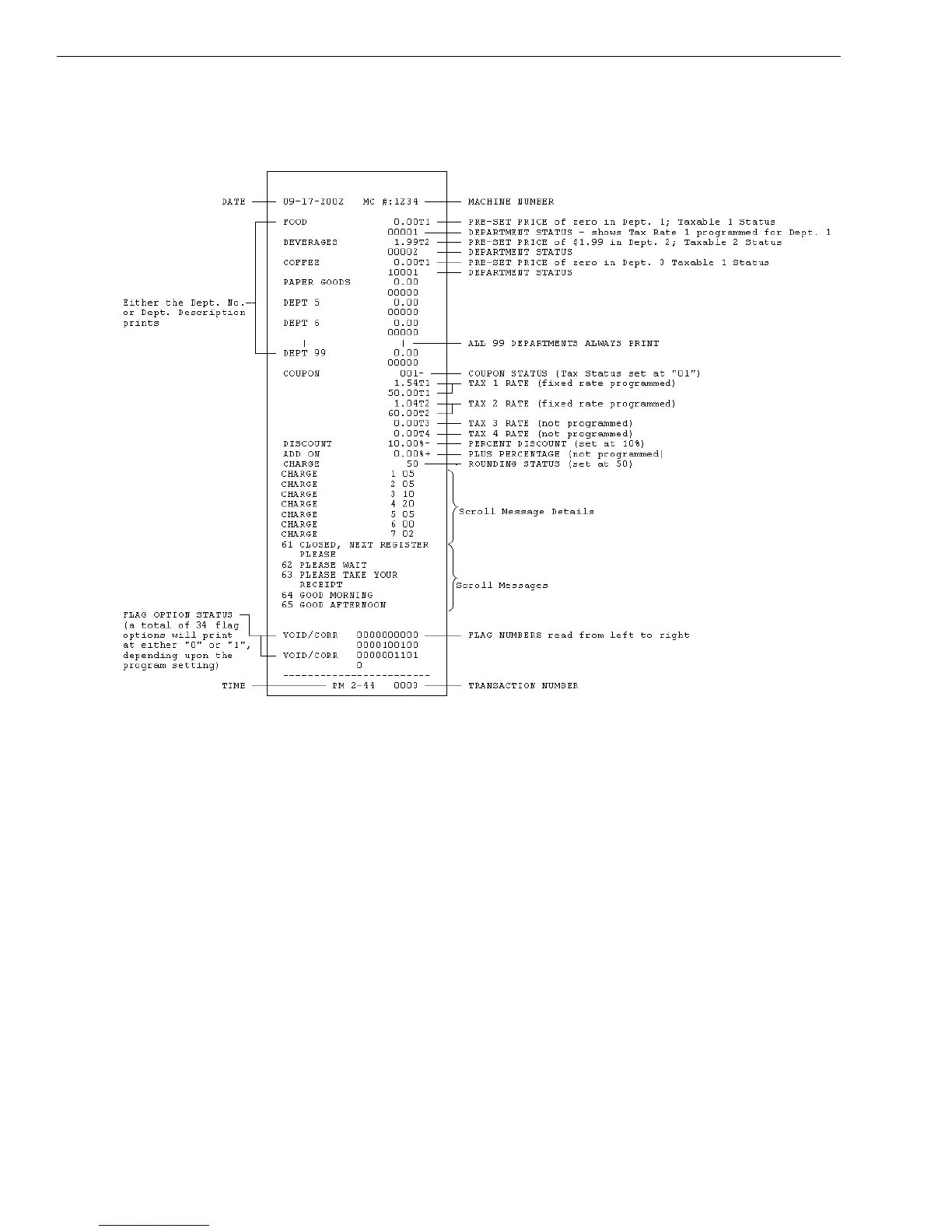
Your tape looks similar to the example Program Confirmation Report
shown below.
The Date, Time, Tax Rate and Department Status shows the information
based upon your input.
For more details of the symbols printed in the Program Confirmation
Report, see Running Reports on page 70.
Before Going to Register Mode
Your cash register offers many other features not covered in this chapter.
Other options are covered in the chapter called Setting Up Your Cash
Register - Advanced, starting on page 33.
We also provide examples to help you learn how to use your cash register.
For information about the examples, see Examples on page 90.



 To Next Page