▪ Produce 3 batches
▪ Provide a "Ready for production" message
▪ Add a new lot number
Press
Start Production to start production from concentrated reagent with a new lot
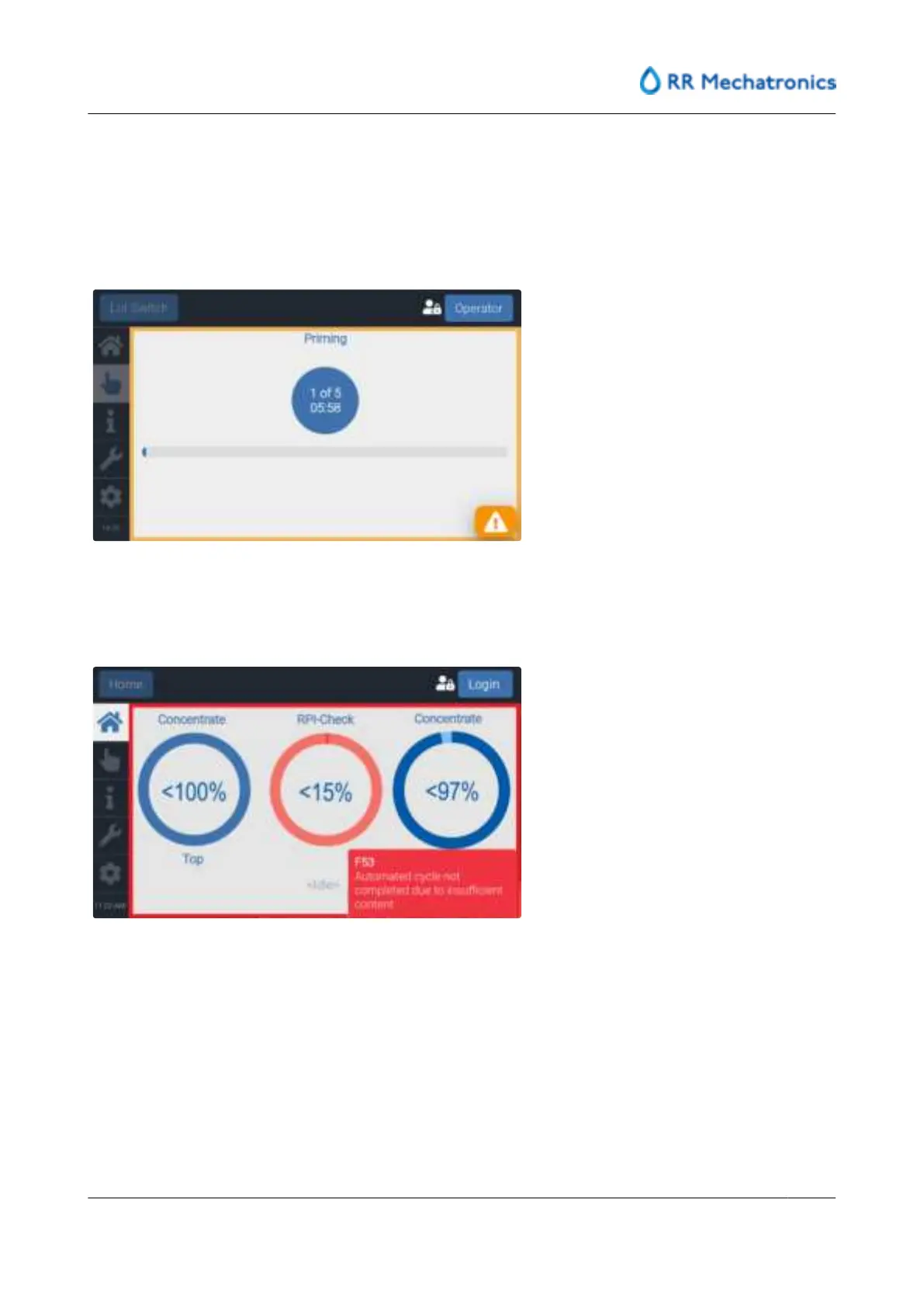
Progress of the Prime storage step is shown on the screen:
6.4.3 - Placement of a new RPI-Check bottle
It is shown on the screen if the RPI-Check bottle fluid has to be replaced:
Log in and select the 'Manual" tab, press Replace RPI-Check:
Standard operation procedures
MRN-184-EN Version 6 (05-01-2022)
35



 To Next Page