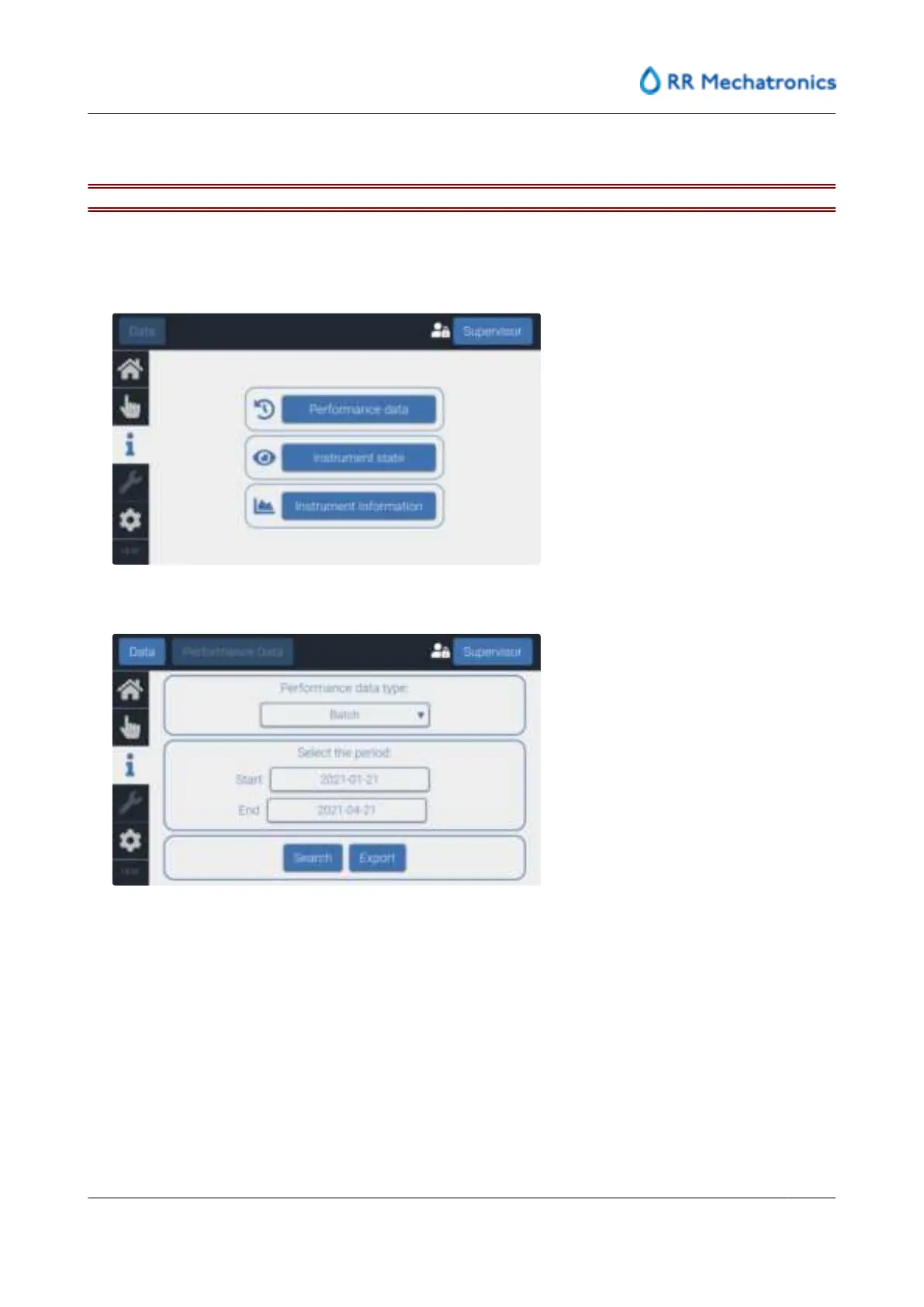
8.8.1 - Retrieve performance data
Use an empty, virus-free, USB stick, formatted with FAT32.
1. Select ‘Login’
2. Enter access level credentials
3. Select "Information"tab
4. Select 'Performance Data'.
5. Data can be shown on screen with Search, data can be exported with Export.
Search option:
On screen can be seen: End time, Result, Conductivity, Temperature, Pulse count and Duration.
User interface and software menu
MRN-184-EN Version 6 (05-01-2022)
59



 To Next Page