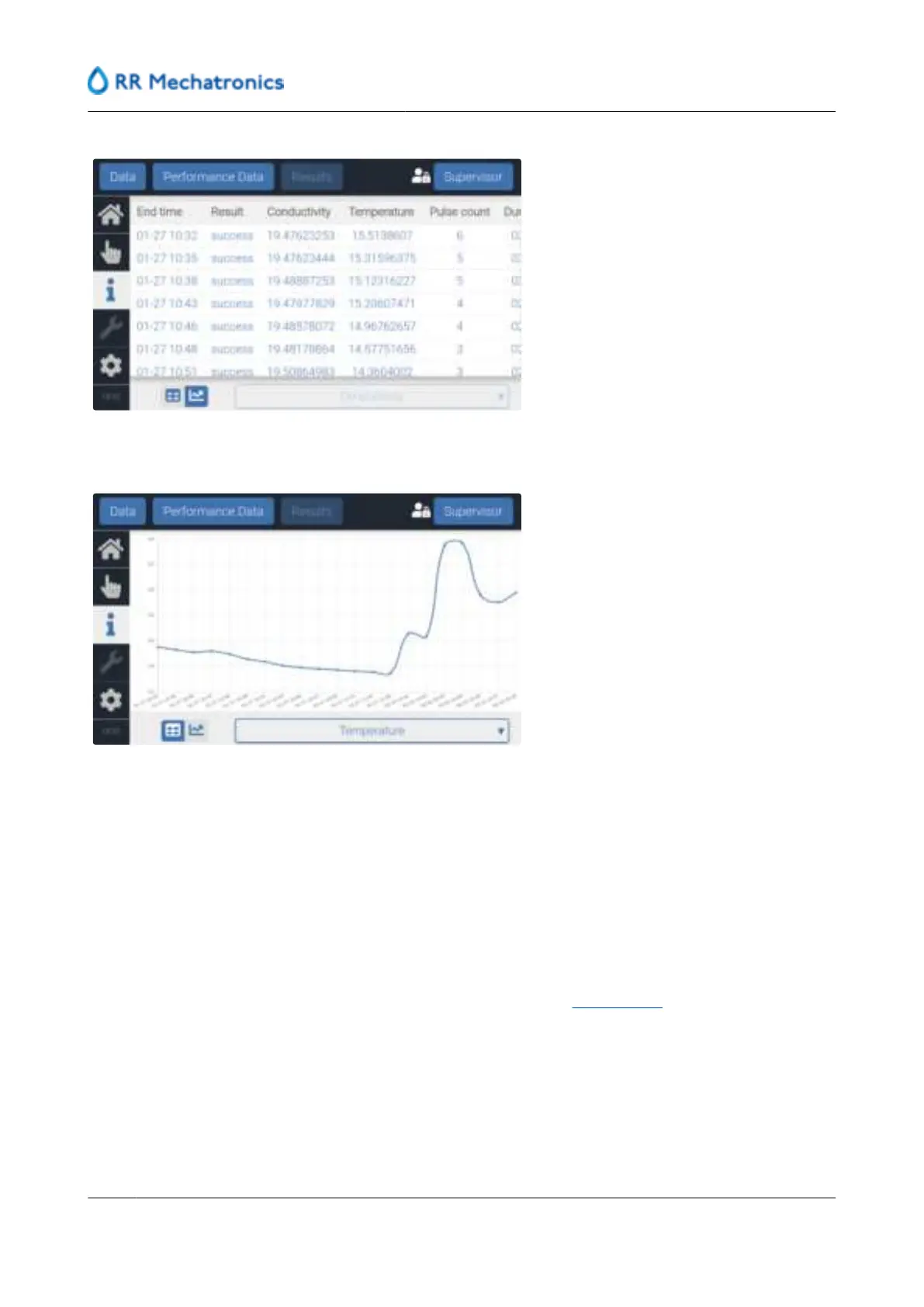
After using the table button: The available data is shown as a graph.
Export option:
1. Select "Performance Data”.
2. Insert an empty USB stick in the slot located at the front of the instrument, near the GUI screen.
3. Choose which data type has to be exported: batch data, control data or traceability data.
4. Select the period of which data is to be downloaded.
5. Press “Export” to copy the data (.CSV format) on the USB-stick.
6. After confirmation that the data is copied successfully, remove the USB stick.
The Batch.CSV contains the following data: Duration, batch id, temperature, conductivity, production total,
date end, time end
The Control.CSV contains the following data: State, Timestamp, Initial
cell constant , Calculated cell
constant, Offset success, Gain success, Error information (3 columns).
The Traceability report contains the following data: Name and surname of the operator, Cubitainer id, data
opened, Location (top, bottom, control), also manual entered information is included.
User interface and software menu
60
MRN-184-EN Version 6 (05-01-2022)



 To Next Page