8.1 - User Menu
The following tabs are available:
Home Maintenance
Manual Settings
Information
Depending on the access level one or more functions are available.
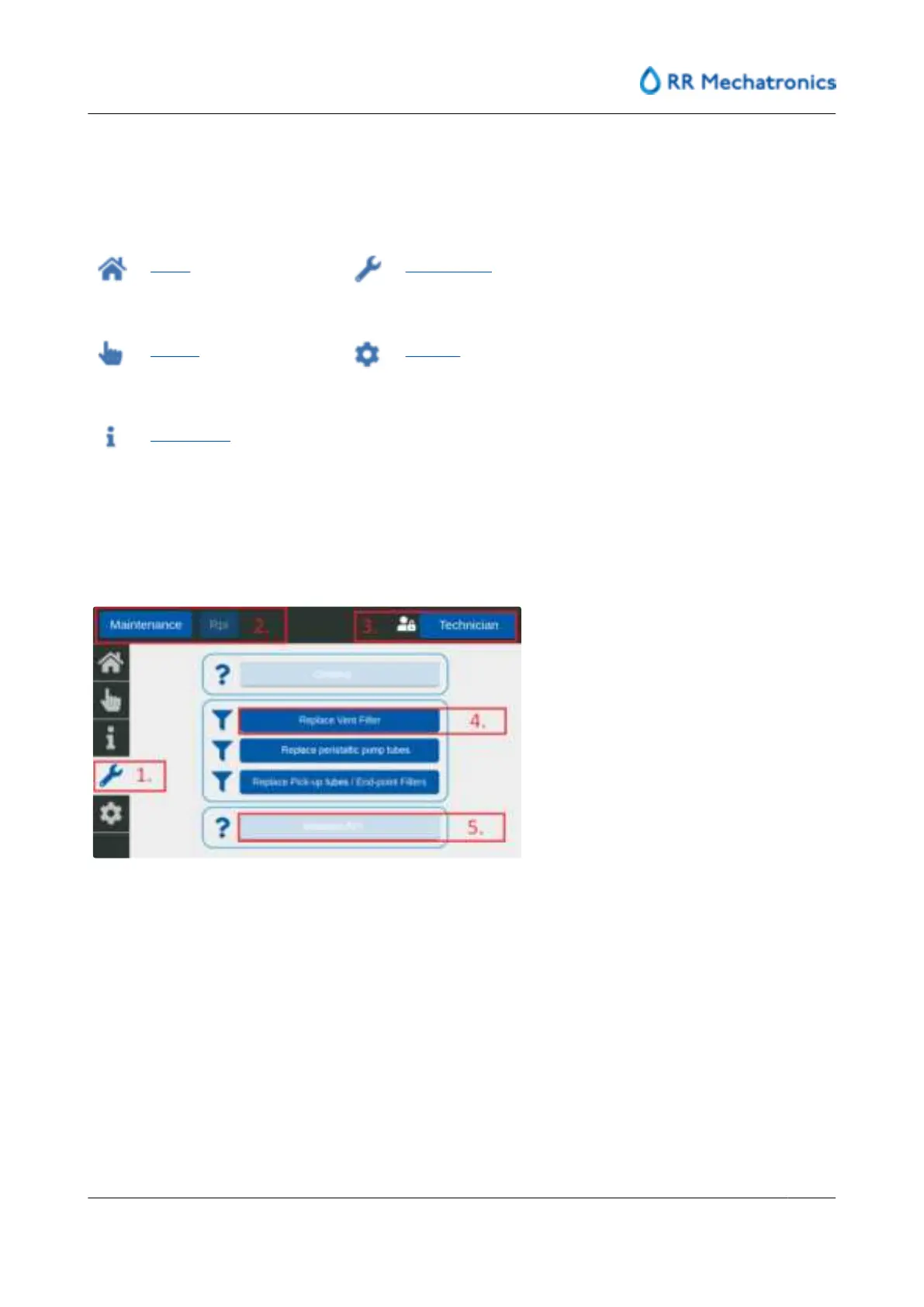
On each screen is shown: active tab (1), menu level (2) and the active access level (3). Available functions
are indicated in dark blue (4). Not activated functions, due to access level restrictions, are indicated in light
blue (5).
User interface and software menu
MRN-184-EN Version 6 (05-01-2022)
41



 To Next Page