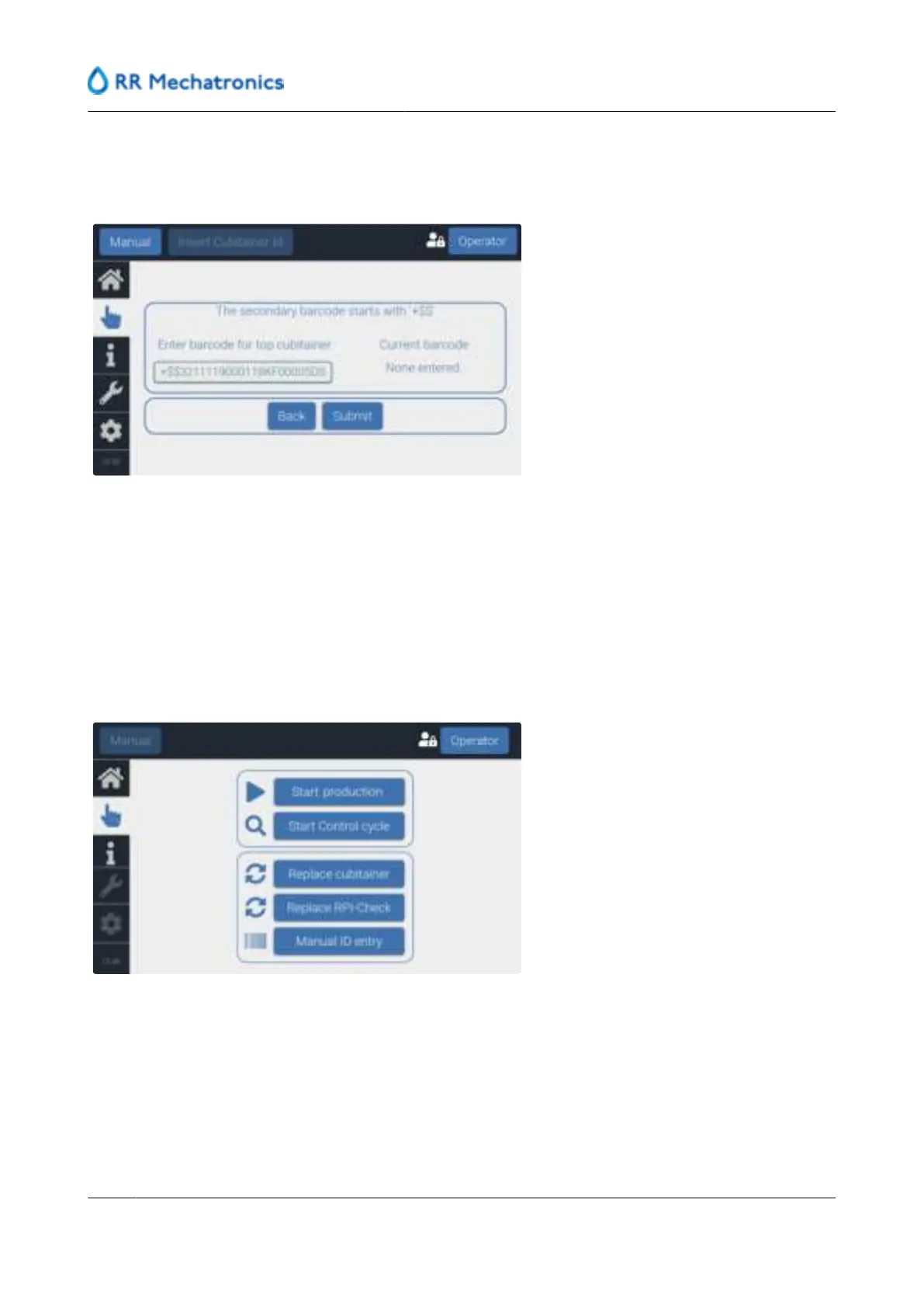
Manual entered data is marked in grey, the liquid level of a cubitainer with manual entered data is not
tracked by the software, production is stopped in case of insufficient level of concentrated reagent. Press
Submit to enter the data.
In case the entered cubitainer ID is not accepted by the instrument, repeat the process.
7. Log out or otherwise log-out will occur automatically after 5 minutes of inactivity.
8.7.4 - Manual insert RPI-Check ID
1. Select ‘
Log in’, in the right side of the screen.
2. Enter access level credentials.
3. Select
Manual tab.
4. Select ‘
Manual ID entry’. Follow the instructions on the screen, select RPI-Check.
5. Go to the customer portal of www.rrmechatronics.com to obtain an ID for RPI-Check.
Enter batch number and expiry date and an ID is generated.
This ID can be entered in the software as manual inserted ID for RPI-Check
In case the entered RPI-Check ID is not accepted by the instrument, repeat the process.
User interface and software menu
56
MRN-184-EN Version 6 (05-01-2022)



 To Next Page