8
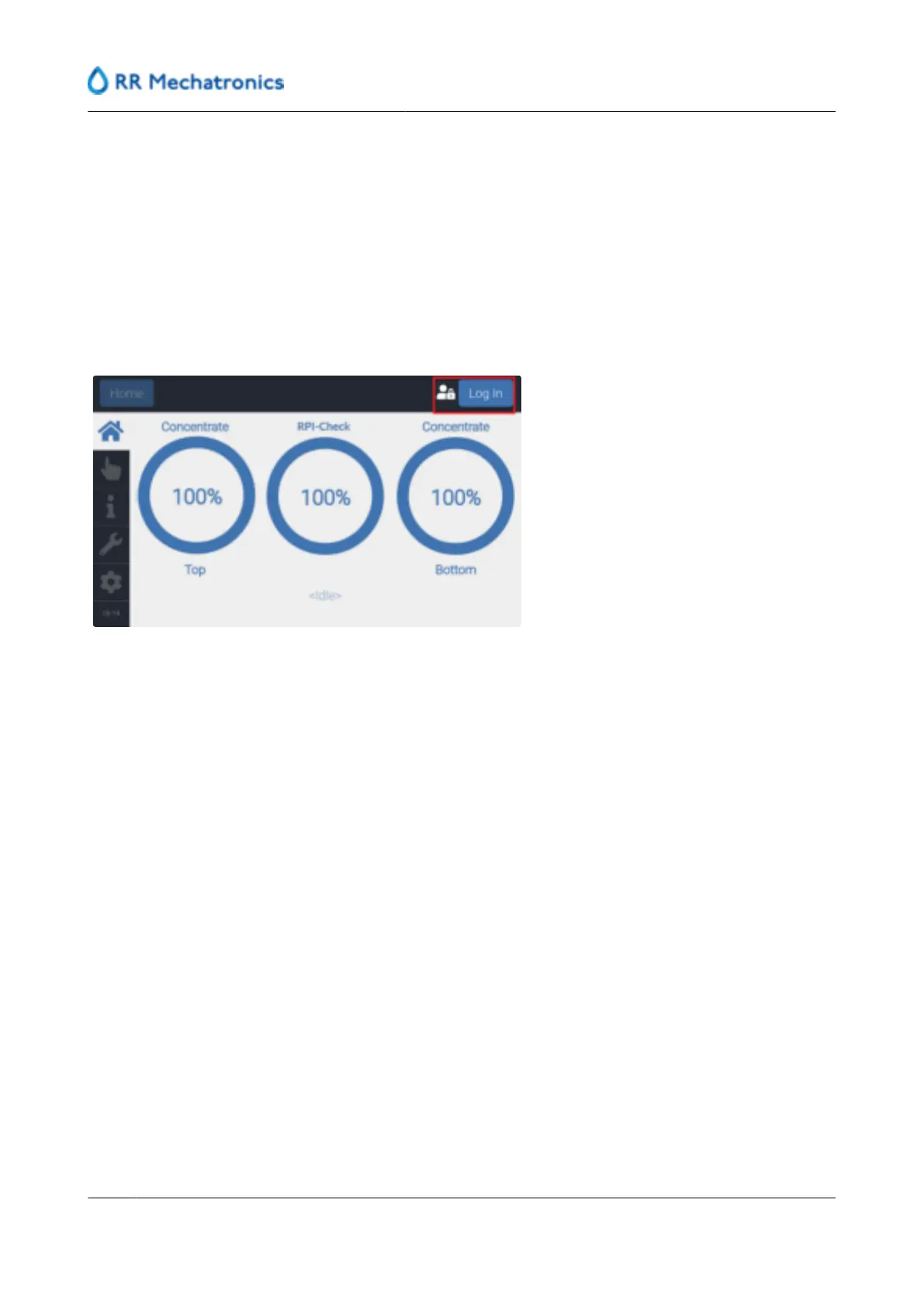
User interface and software menu
The Graphical User Interface or GUI is featured on a touch operated screen located on the front of the
instrument.
The following program description is valid for software from version 2.15 and up.
The user interface has four levels of access:
▪
Operator: with basic user functionality
▪
Supervisor: For the lab manager/supervisor, with full user functionality
▪
Technician: For the local technician, with some maintenance, setting and service functionality
▪
FSE: For the Field Service Engineer, restricted service functionality (functions are described in the
Installation and Service manual)
User interface and software menu
40
MRN-184-EN Version 6 (05-01-2022)



 To Next Page