On the home screen, information for the available cubitainers is given, indicated which cubitainer is used and
which container is the spare.
This screen shows if one the cubitainers is empty (<5%) and has to be replaced. If one cubitainer is empty
and the other is <10% filled, a warning is given to replace the empty cubitainer. For the RPI-Check bottle
the first warning (almost empty) is given if the level is <40% and an urgent replace warning if the level is
<20%.
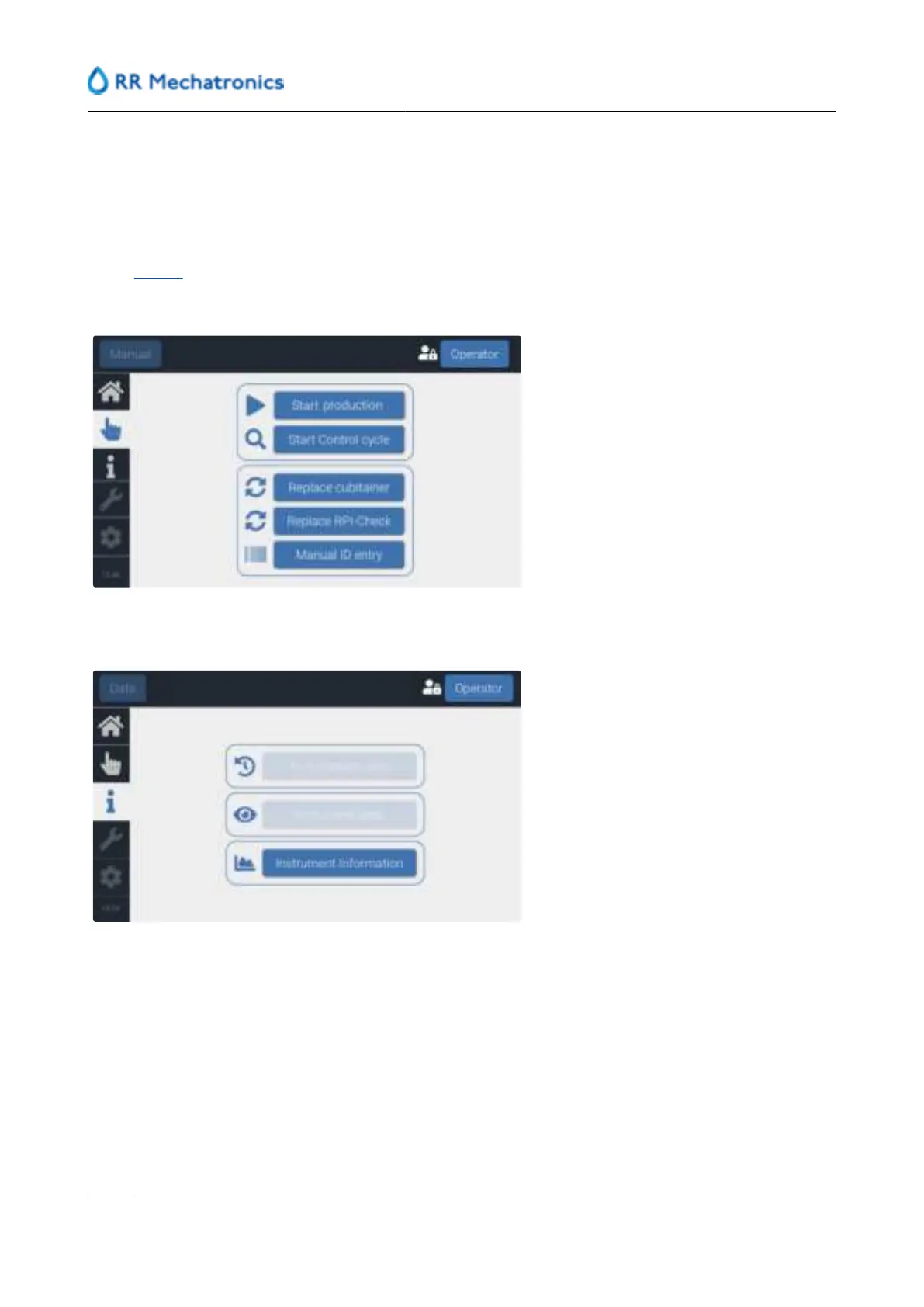
At the Manual tab, production can be started or stopped and actions performed, related to replacement of
cubitainers or RPI-Check.
At the information tab only instrument information is visible.
User interface and software menu
44
MRN-184-EN Version 6 (05-01-2022)



 To Next Page