Default IP Address – 192.168.0.100
460 Gateway User Manual Page 7
Note: If this is not the first time that this 460 Gateway has been configured, Figure 2-2
displays different modules.
4. Click on next to the Description module on the RTA Gateway Main Page. See
Figure 2-2.
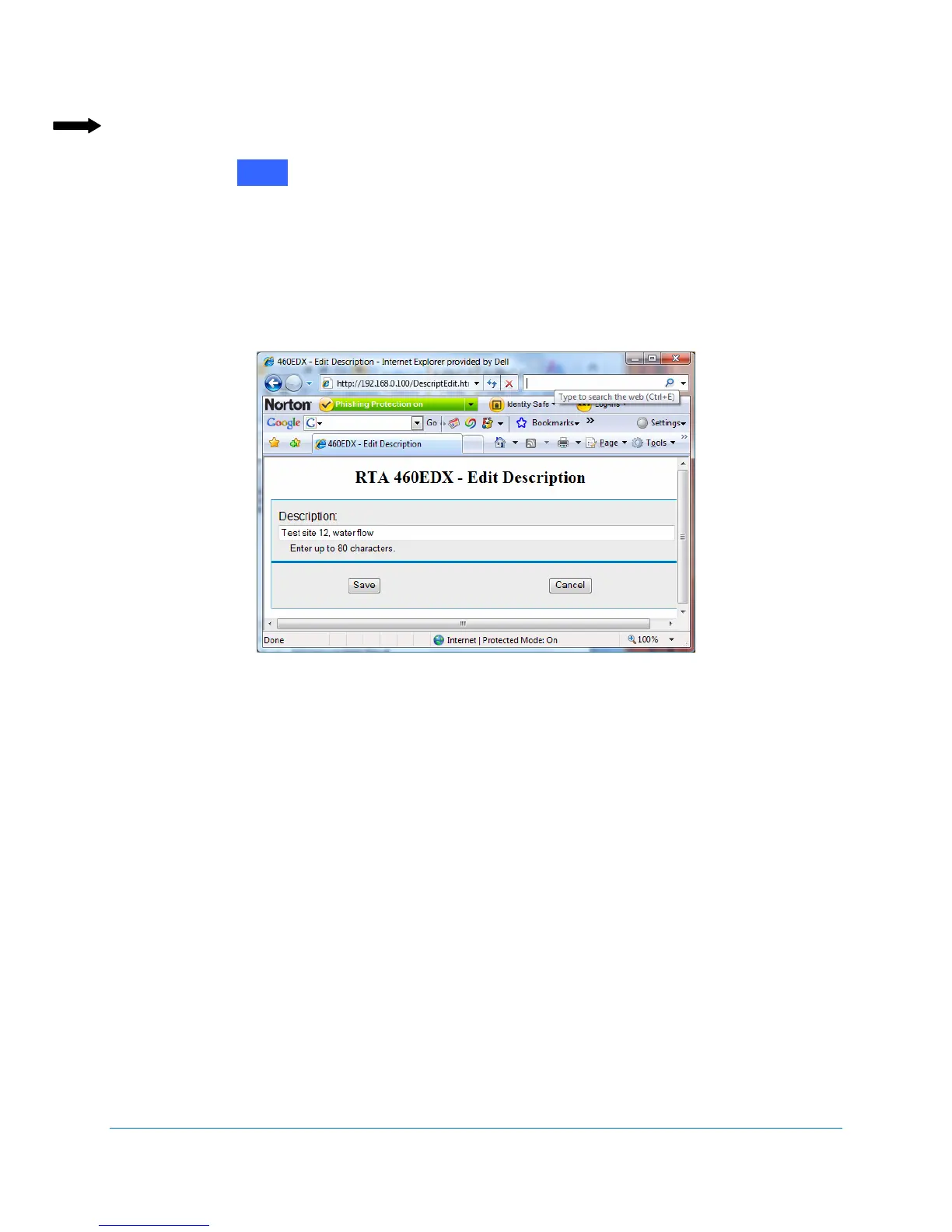
The RTA 460 Edit Description screen displays. See Figure 2-3.
5. Enter a description of up to 80 characters for this particular 460 Gateway. In this
example, the 460 Gateway is a test site for a water flow meter.
6. Click Save.
The 460 Gateway Main Page displays with the edited description.
Figure 2-3 RTA 460 Edit Description
Edit



 To Next Page