Default IP Address – 192.168.0.100
460 Gateway User Manual Page 1
Chapter 1 Introduction
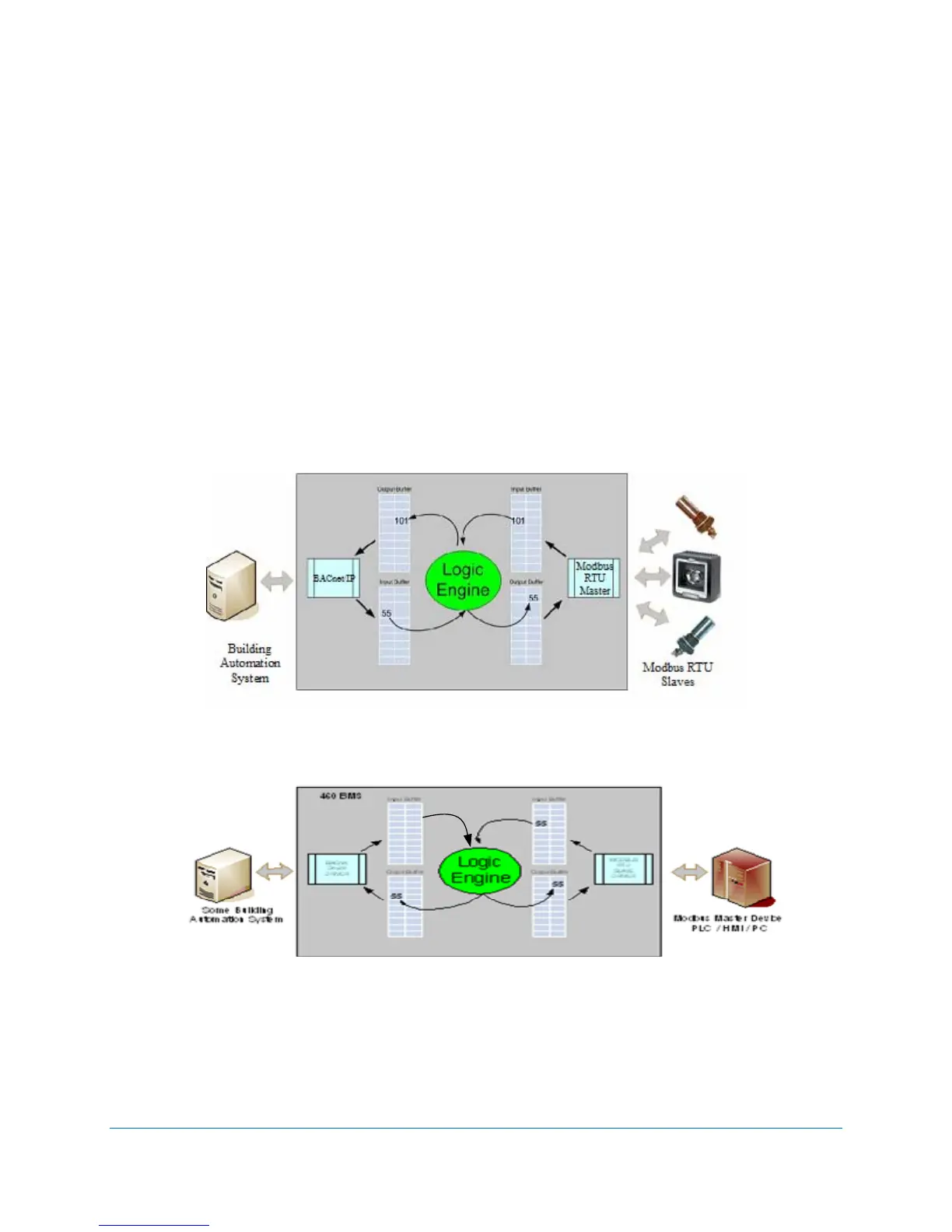
The 460 Gateway lets you control how to manipulate and control data, moving it bi-directionally
across devices with different protocols. Trusted legacy devices can now be connected to a variety
of networks using 460 Gateways. For example, PLCs (including the Twido™ PLC from
Schneider Electric), building managements systems, and energy management devices can
communicate with scales, drives, barcode readers, and sensors of every type. See Figure 1-1
below.
The 460 Gateways are easy to configure using an embedded web page from which you enter the
appropriate network addresses and then define the groups of registers to send/receive data and
the order in which the data is received.
Figur
e 1-1 460 Gateway configuration options



 To Next Page