Default IP Address – 192.168.0.100
460 Gateway User Manual Page 34
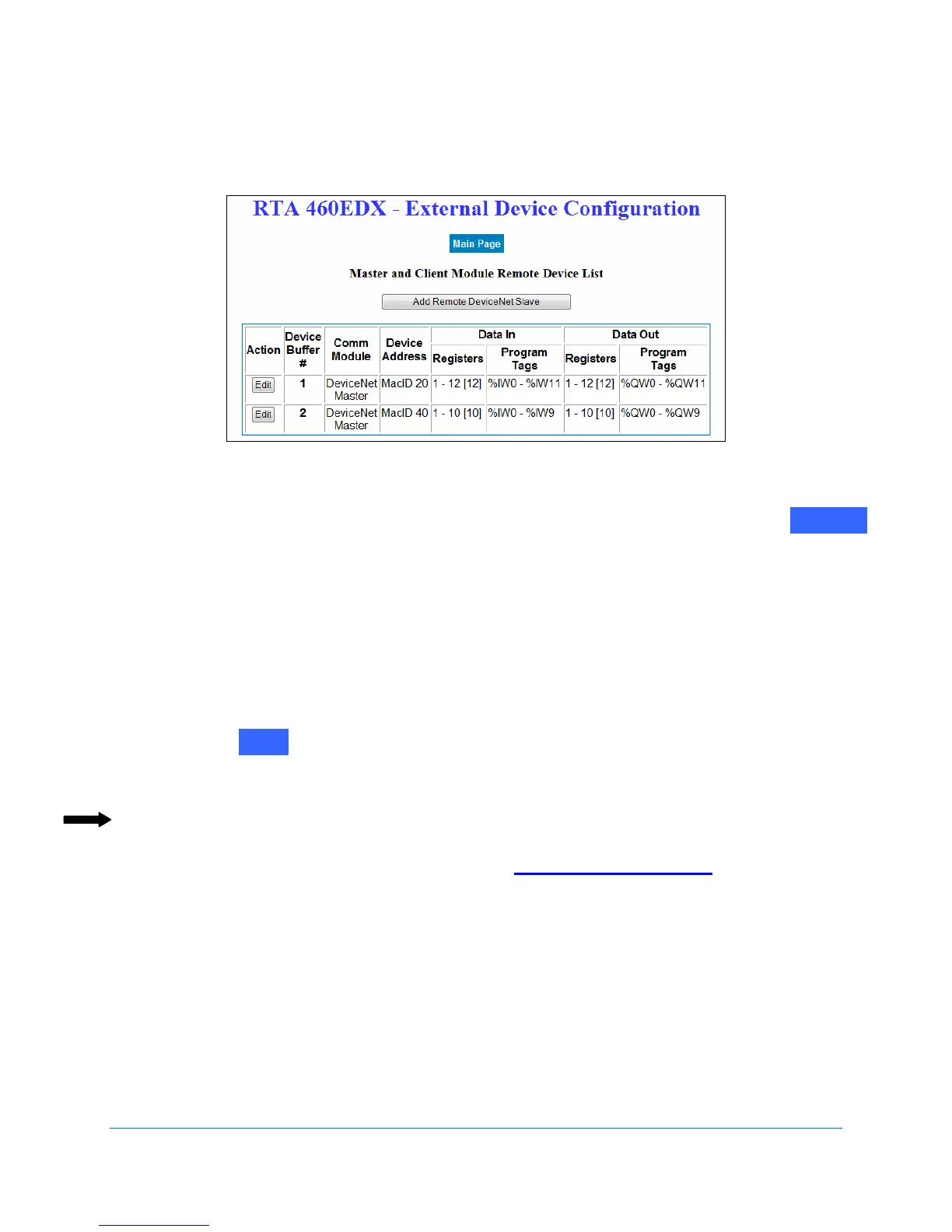
Buffer, click on the Add Remote DeviceNet Slave button and then edit that buffer’s
settings.
Figure 2-43 DeviceNet Master data selections
11. When you have finished editing device buffers for the DeviceNet Master, click on .
The RTA 460 Gateway Main Page displays.
DeviceNetSlaveconfiguration
If your version of the 460 Gateway requires your gateway to act as a DeviceNet Slave, use the
following steps to configure the gateway. At least two Communication Modules must be
configured.
1. Click on next to the Selected Communication Modules on the RTA 460 Gateway
Main Page. See Figure 2-2.
The Communication Module Configuration screen displays. See Figure 2-44.
Note: The Edit buttons are grayed out when the task applies to a different 460
Gateway version than you purchased. Please contact Real Time
Automation, Inc. (RTA) at 262.439.4999 or www.rtaautomation.com for more
information about 460 Gateway configurations.
Main
Edit



 To Next Page