Default IP Address – 192.168.0.100
460 Gateway User Manual Page 12
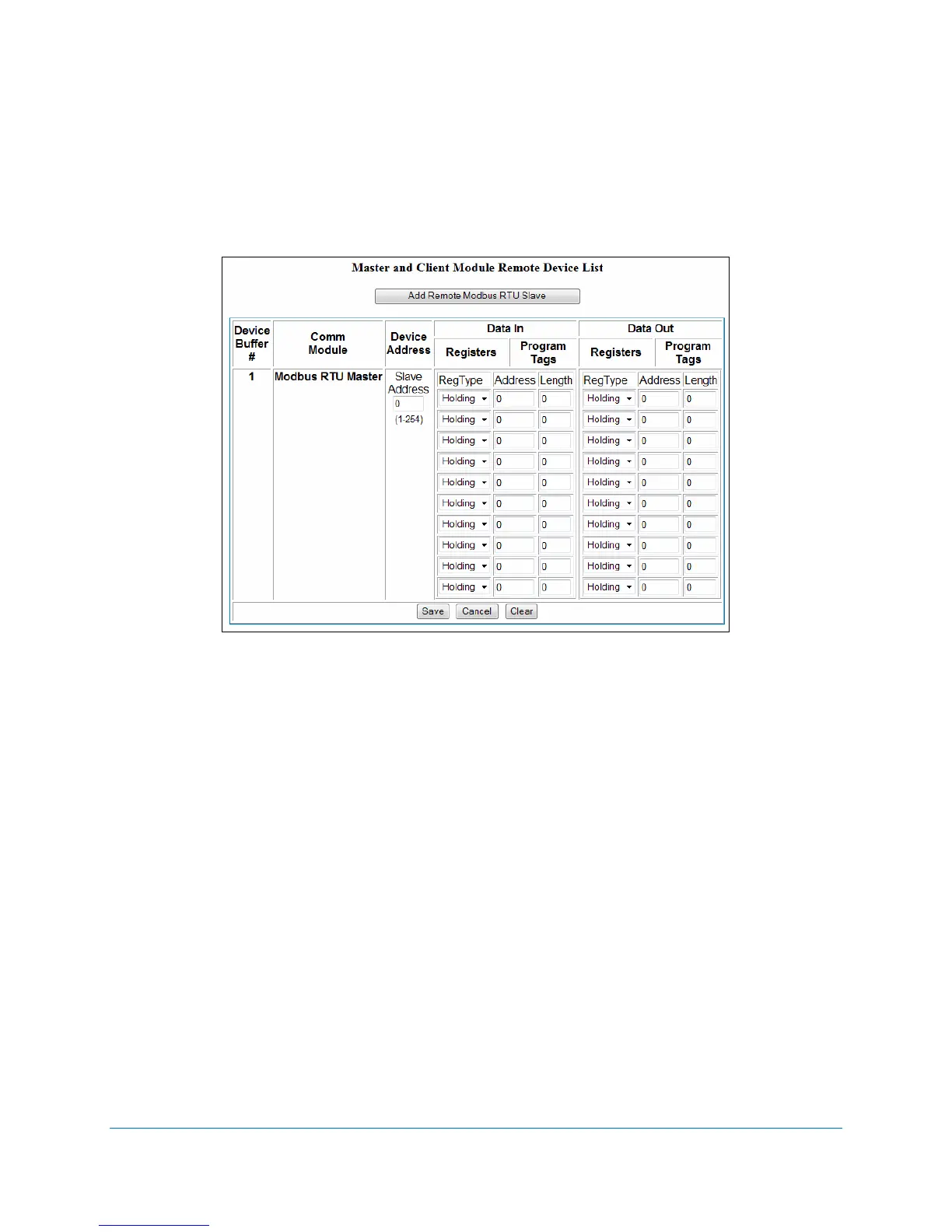
8. For each new Device Buffer that should be enabled (1-32), click on the Add Remote
Modbus RTU Slave
button.
9. Click
Edit in the Action column. See Figure 2-10.
Figure 2-10 Modbus RTU Master registers and program tags
10. Enter the Save Address and select the data types (RegType) from the drop-down menus
for the registers. Enter the address and length for each data type in this Device Buffer.
11. Select
Save. The Master and Client Module External Device List re-displays with the
information entered for that Device Buffer. See Figure 2-11. To add another Device
Buffer, click on the Add Remote Modbus RTU Slave button and then edit that buffer’s
settings.



 To Next Page