Default IP Address – 192.168.0.100
460 Gateway User Manual Page 28
1. Click on next to the Selected Communication Modules on the RTA 460 Gateway
Main Page. See Figure 2-2.
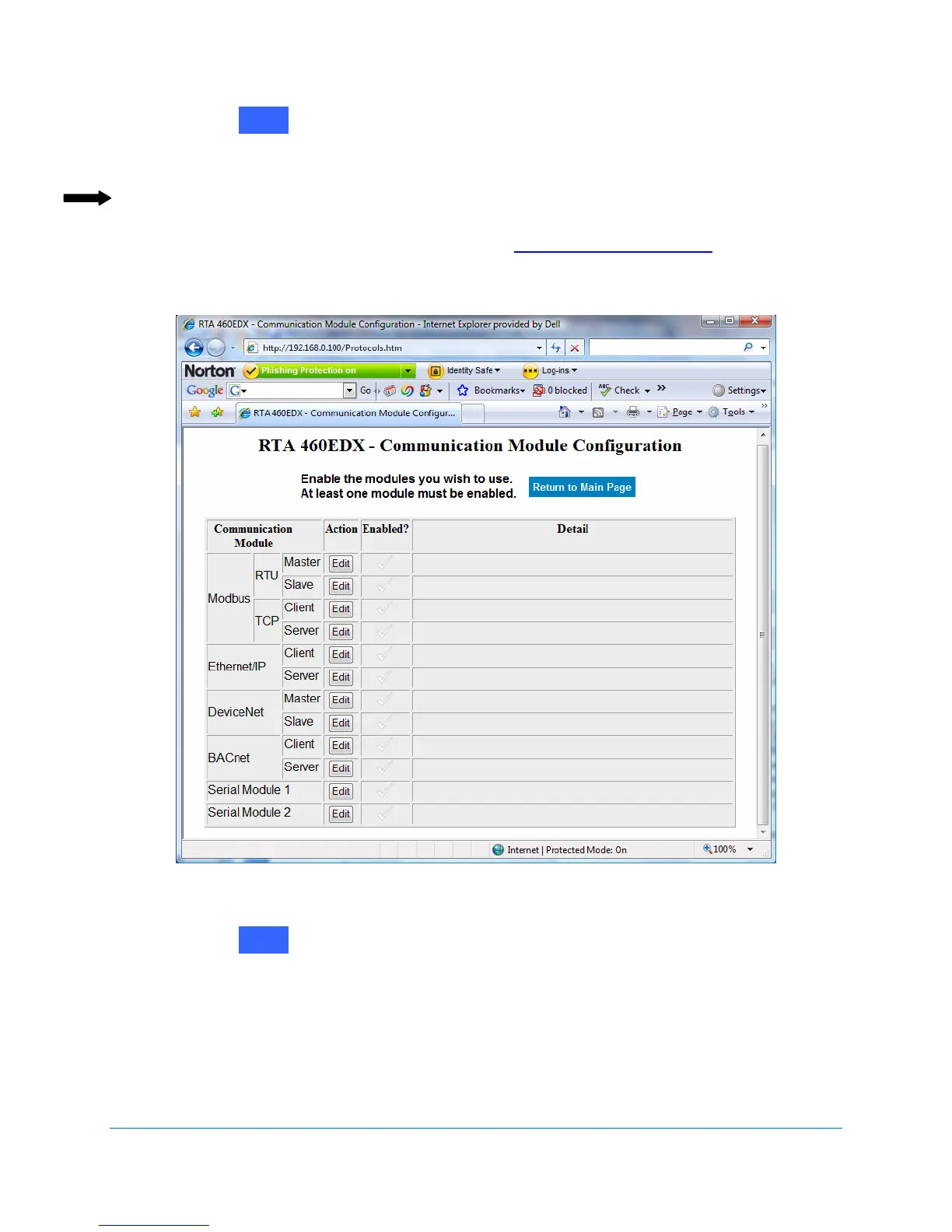
The Communication Module Configuration screen displays. See Figure 2-34.
Note: The Edit buttons are grayed out when the task applies to a different 460
Gateway version than you purchased. Please contact Real Time
Automation, Inc. (RTA) at 262.439.4999 or www.rtaautomation.com for more
information about 460 Gateway configurations.
Figure 2-34 Communication Module Configuration screen
2. Click on next to Ethernet/IP Server.
The Enabled? prompt displays. See Figure 2-35.
Edit
Edit



 To Next Page