Default IP Address – 192.168.0.100
460 Gateway User Manual Page 31
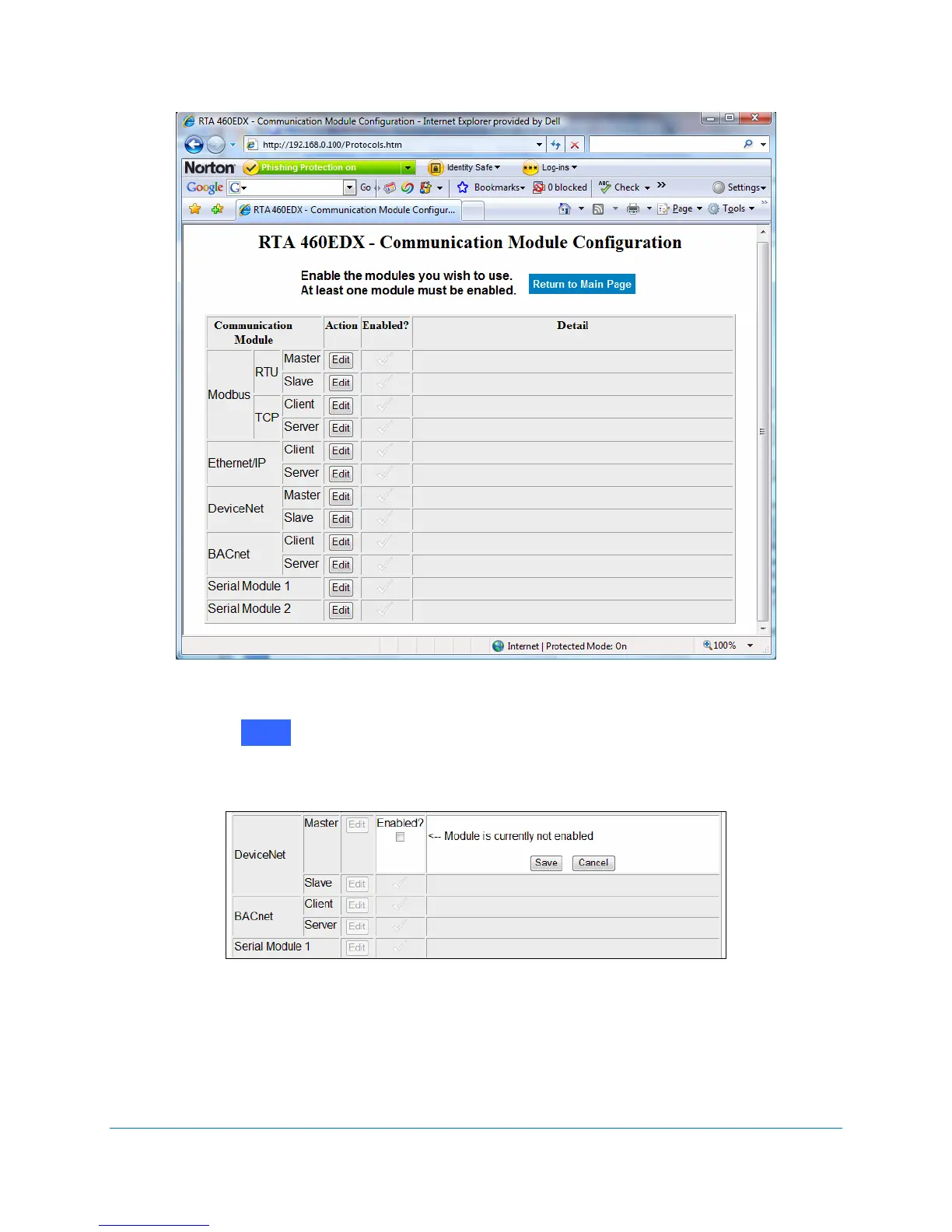
Figure 2-37 Communication Module Configuration screen
2. Click on next to next to DeviceNet Master.
The Enabled? prompt displays. See Figure 2-38.
Figure 2-38 Enable DeviceNet Master configuration
3. Click on the Enabled? checkbox.
The Module’s Detail options expand when enabled. See Figure 2-39.
Edit



 To Next Page