Default IP Address – 192.168.0.100
460 Gateway User Manual Page 39
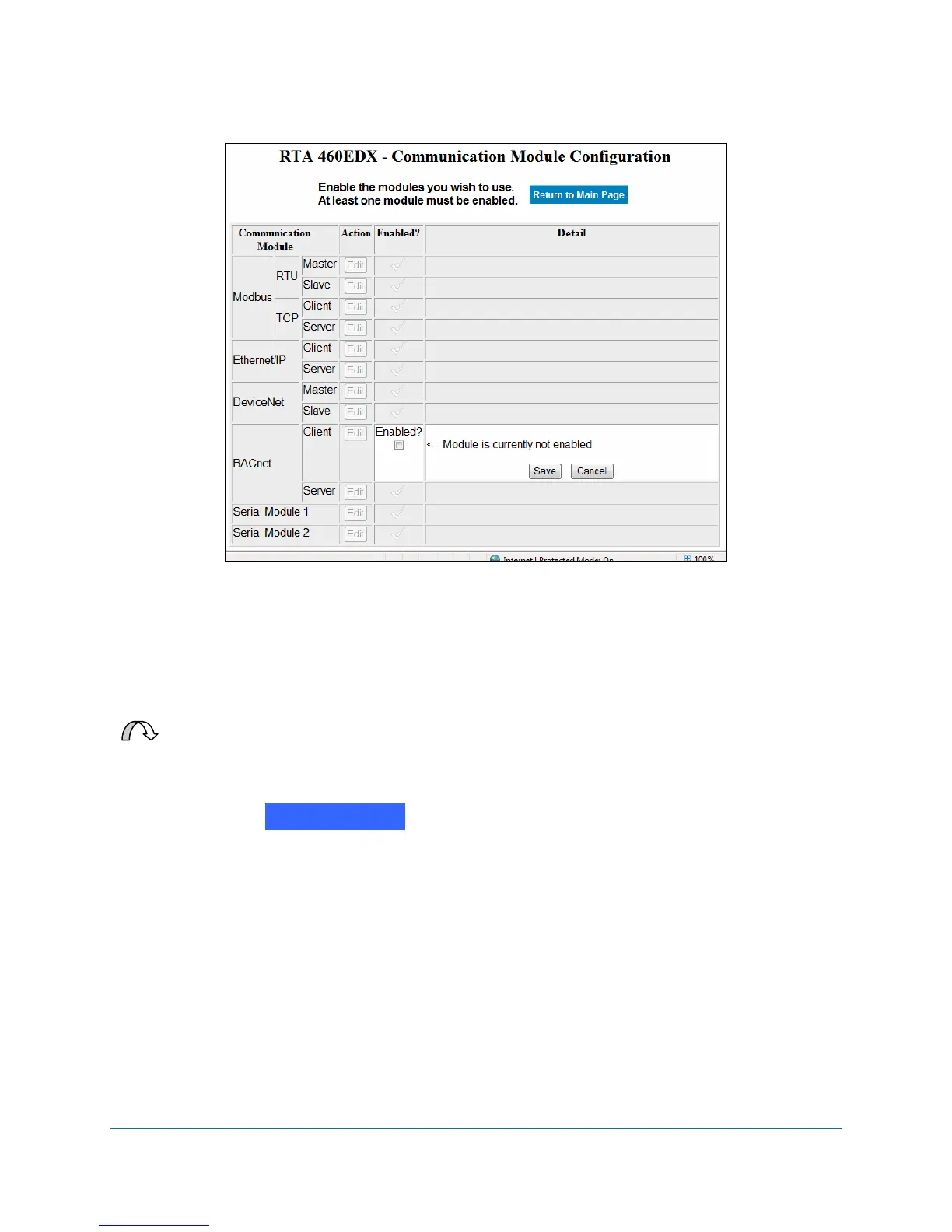
Figure 2-50 Enable BACnet/IP Client configuration
3. Click on the Enabled? checkbox.
4. Click on Save.
For Your Information: Familiar users can make all desired communication
module edits before leaving this screen.
5. Click on the button. The RTA 460 Gateway Main Page displays with
a Client Module Configuration option. See Figure 2-51.
Return to Main



 To Next Page