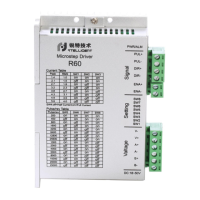
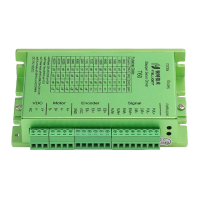
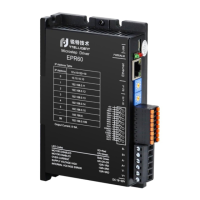
R110PLUS USER MANUAL
Contents
1. Product overview...........................................................................................................................1
1.1 Characteristic
...........................................................................................................................
1
2. Application environment and installation
...................................................................................
1
2.1 Environmental requirement................................................................................................... 1
2.2 Driver installation dimensions............................................................................................... 2
3. Driver port and connection.......................................................................................................... 2
3.1 Power and motor port function description
.........................................................................
2
3.2 Control signal connection
.......................................................................................................
3
3.2.1 PUL、DIR(IN1,IN2)ports:
.............................................................................................
3
3.2.2 ENA (IN3) port:................................................................................................................. 3
3.2.3 ALM (OUT1) port:
.............................................................................................................
4
3.3 USB port
...................................................................................................................................
4
4. The setting of DIP switches and operating parameter
............................................................
5
4.1 Current setting......................................................................................................................... 5
4.2 Standby current....................................................................................................................... 5
4.3 Pulse setting per revolution
...................................................................................................
5
4.4 Pulse command filtering.........................................................................................................6
4.5 Pulse mode setting................................................................................................................. 7
5. Driver working status LED indication
.........................................................................................
7
6. Phase loss alarm
...........................................................................................................................
7
7. Internal motion control function
...................................................................................................
7
7.1 Communication control mode............................................................................................... 8
7.1.1 Point control mode........................................................................................................... 8
7.1.2 Jog control mode
..............................................................................................................
9
7.2 IO Control: Start and Stop + Direction
...............................................................................
10
7.3 IO Control: Forward + Reverse...........................................................................................11
8. Common faults and troubleshooting........................................................................................12
Appendix A. Guarantee Clause
....................................................................................................
13


 To Next Page