R110PLUS USER MANUAL
4. The setting of DIP switches and operating parameter
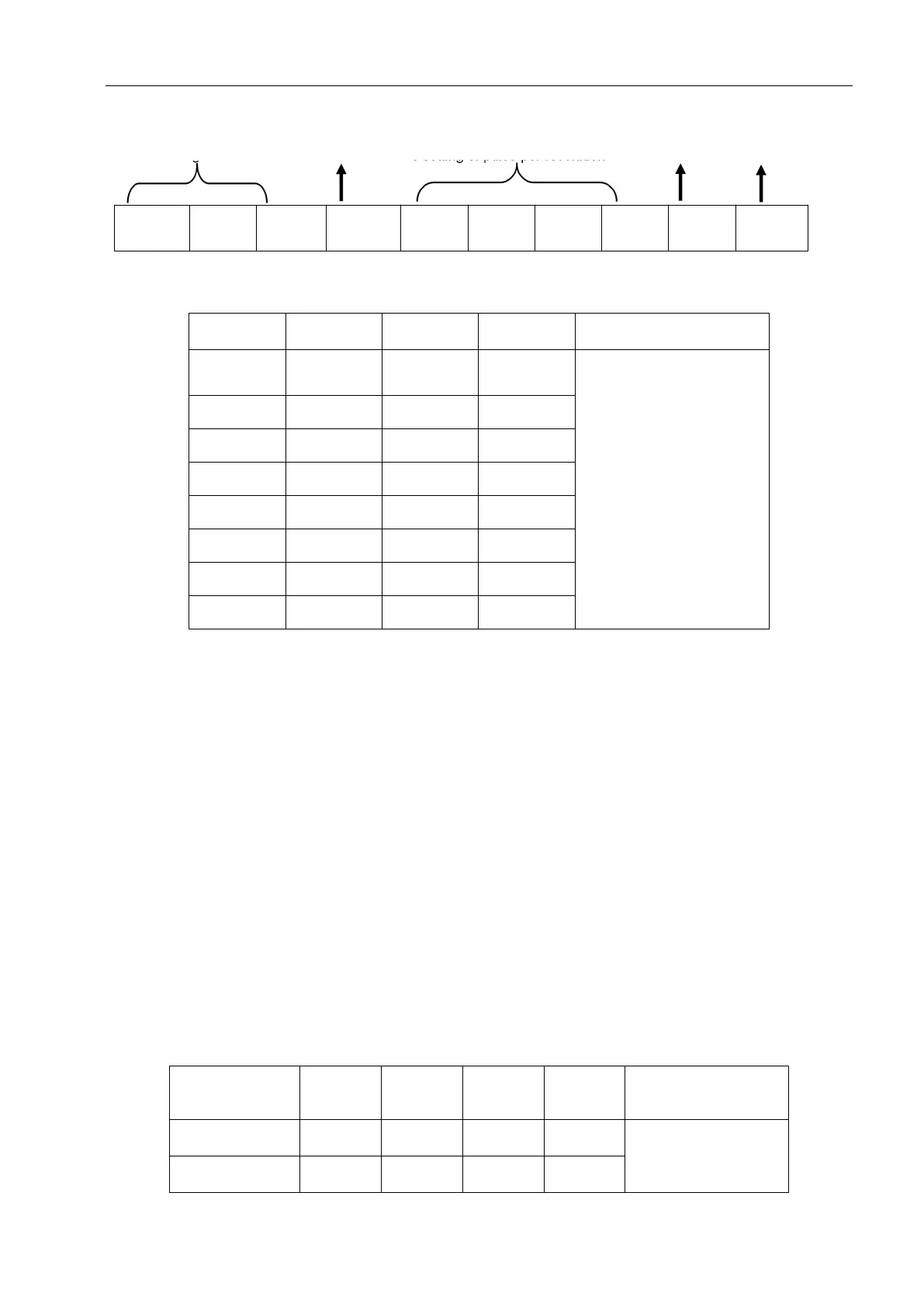
The setting of current Standby current The setting of pulse per revolution Command filtering Pulse mode
4.1 Current setting
Users can set up 8 level
currents through
debugging software.
4.2 Standby current
SW4 is used to set the percentage of current when the driver is in standby.
SW4 = ON, the current is kept at the set current as long as the driver is enabled.
SW4 = OFF, the driver stops receiving pulses for a certain period of time, enters the standby state, and
the current drops to a certain percentage of the set current.
The default setting is: After stopping the receiving pulse for 1 second, the motor winding current will be
50%.
4.3 Pulse setting per revolution
Set the pulse per revolution required by the motor. Due to digital control, the number of subdivisions can
be set to any number between 200 and 65535.


 To Next Page