Firmware Updating Troubleshooting
Microsoft Windows
I get an “This application has failed to start because...” error.
You may need to install the Microsoft Visual C++ 2010 Redistributable Package.
The installer should install this if it’s not installed but they can also be manually installed from the
programs /runtimes/ folder or downloaded from the Microsoft site.
General Troubleshooting
My PC is not detecting any of the devices.
Make sure you are not using a very long USB extension cable over 2 metres as that can
cause connection issues.
Try restarting your PC and connect to a different USB port.
Try a different USB cable.
Try on a different computer.
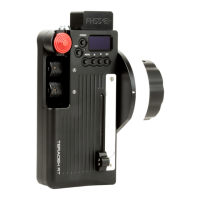
My PC is detecting the Receiver but not the Controller.
Make sure the update program has been started and that the controller is set to “PC MODE”, To
enter “PC MODE” Hold down the SET and POWER buttons.
My PC is detecting the Controller but not the Receiver.
Make sure the update program has been started and is running and that the receiver is NOT
powered on before connecting to the PC.
I'm still having problems
Please contact us at support@rtmotion.com. To help us diagnose the problem, please supply as
much detailed information as you can!


 To Next Page