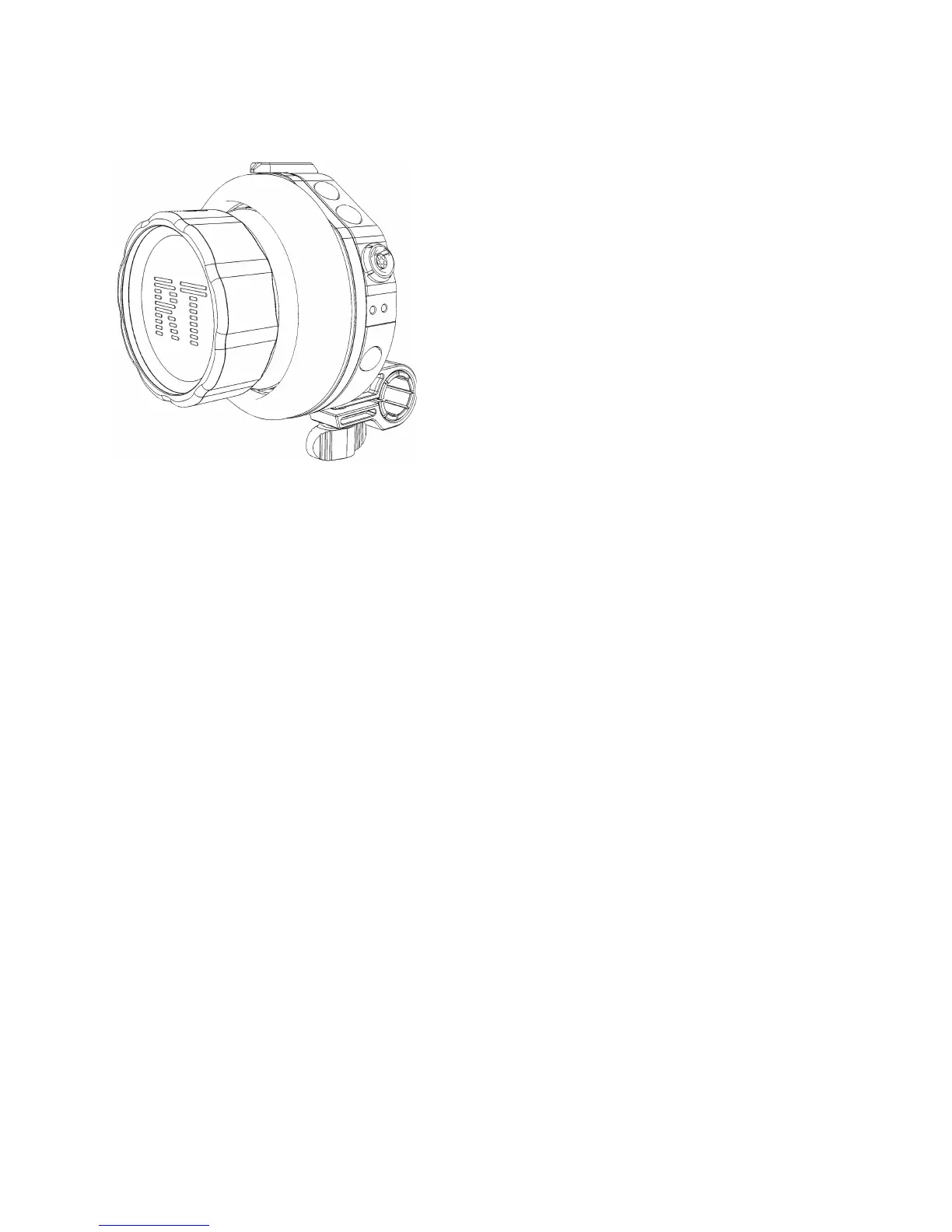
Stand-alone Operation
Connect a Y-cable to the 6pin socket. For example “RTM-8850” (DTAP+CTRL). This provides
POWER-IN (5-17V), and a CTRL data connection to a RED DSMC or DSMC
2
camera.
Accessory Operation (As yet unsupported, BETA feature only)
The Smart Knob can be attached to a LATITUDE “IN-1” socket to act as an accessory, using a 5-pin
Wired Mode Cable (RTM-8311). In latest FW you will need to have everything plugged in before
powering up. This will enable accessory operation.
Configure options
The Smart Knob can be configured in the latest FW release. Open up the RTFW App, go to Tools -
Smartknob Config and options for mapping internal DSMC functions will appear. Below are the
current options. More functions will be added in future FW releases. Any BETA features are not yet
in the current downloadable FW release.
Iris can be mapped to the knob (BETA)
1. Flip Knob
2. Magnify
3. Lens Motor Reset
4. Exposure Check
5. Iris Open
6. Iris Close
7. Pre Record
8. Focus Check
9. Raw Check


 To Next Page